
How to Manage Multiple Projects at Once Without Dropping the Ball
Running eight projects at once is not a time problem, it is a visibility problem. Here is how to manage multiple projects at once with six simple rules.
 AivoPass Editorial TeamReviewed by our agent setup specialists
Updated
Reading time4 min

To manage multiple projects at once, keep every project in one list with a single owner and status, set a weekly priority order, break work into small next actions, collect short daily updates and escalate blockers early. Project Command Center runs this system for you: one row and one channel per project, tasks for specialist agents and daily progress updates, while you make the decisions.
If you run an agency, a startup or a busy team, you probably have more projects open than you can hold in your head. Deadlines slip, not because people are lazy, but because nobody can see everything at once. Learning how to manage multiple projects is mostly about building one clear view and a steady rhythm of updates.
Below are six practical rules, a weekly review agenda and a capacity check you can use this week. You will also see how Project Command Center keeps one row and one channel per project, hands tasks to specialist agents and posts daily progress, so you spend your time deciding instead of chasing.
See Project Command Center Done-for-you setup · You approve every action
What does it mean to manage multiple projects well?
Managing multiple projects well means every project has a visible status, a single owner and a clear next step, and the most important work gets attention first. It is not about working longer hours. It is about reducing surprises, cutting status meetings and catching blockers while they are still small.
Six rules for managing multiple projects
- One list of every project, with owner, status and next step.
- One owner per project, even when many people contribute.
- A weekly priority order, so everyone knows what wins when time is short.
- Small next actions instead of vague goals.
- Daily written updates, short and in one place per project.
- Early escalation: a blocker is raised the day it appears.
How Project Command Center works
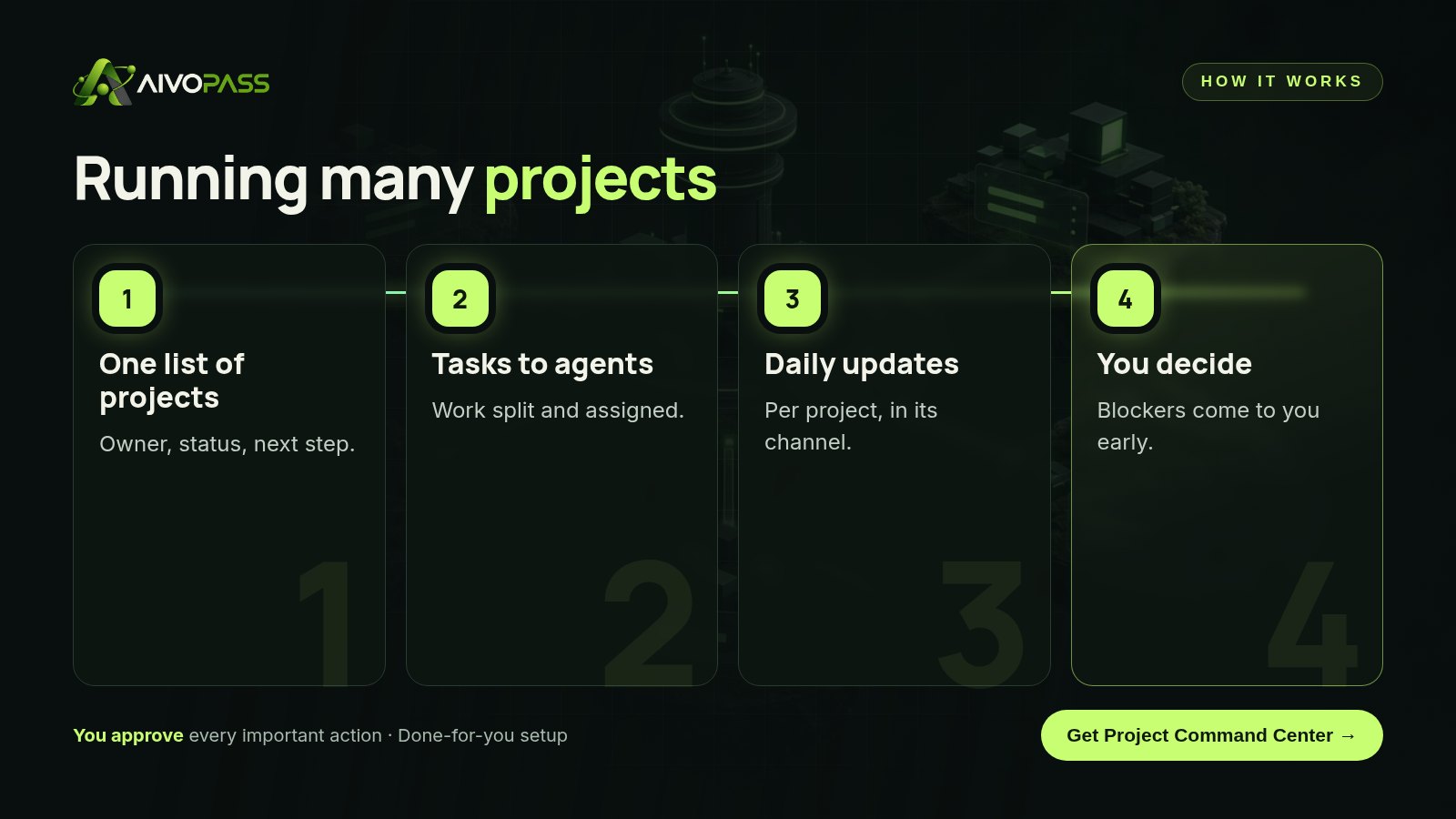
- One project database with owners and status.
- Splits work into tasks for specialist agents.
- Daily progress updates per project, in its own channel.
- Escalates blockers to the right person.
Before and after
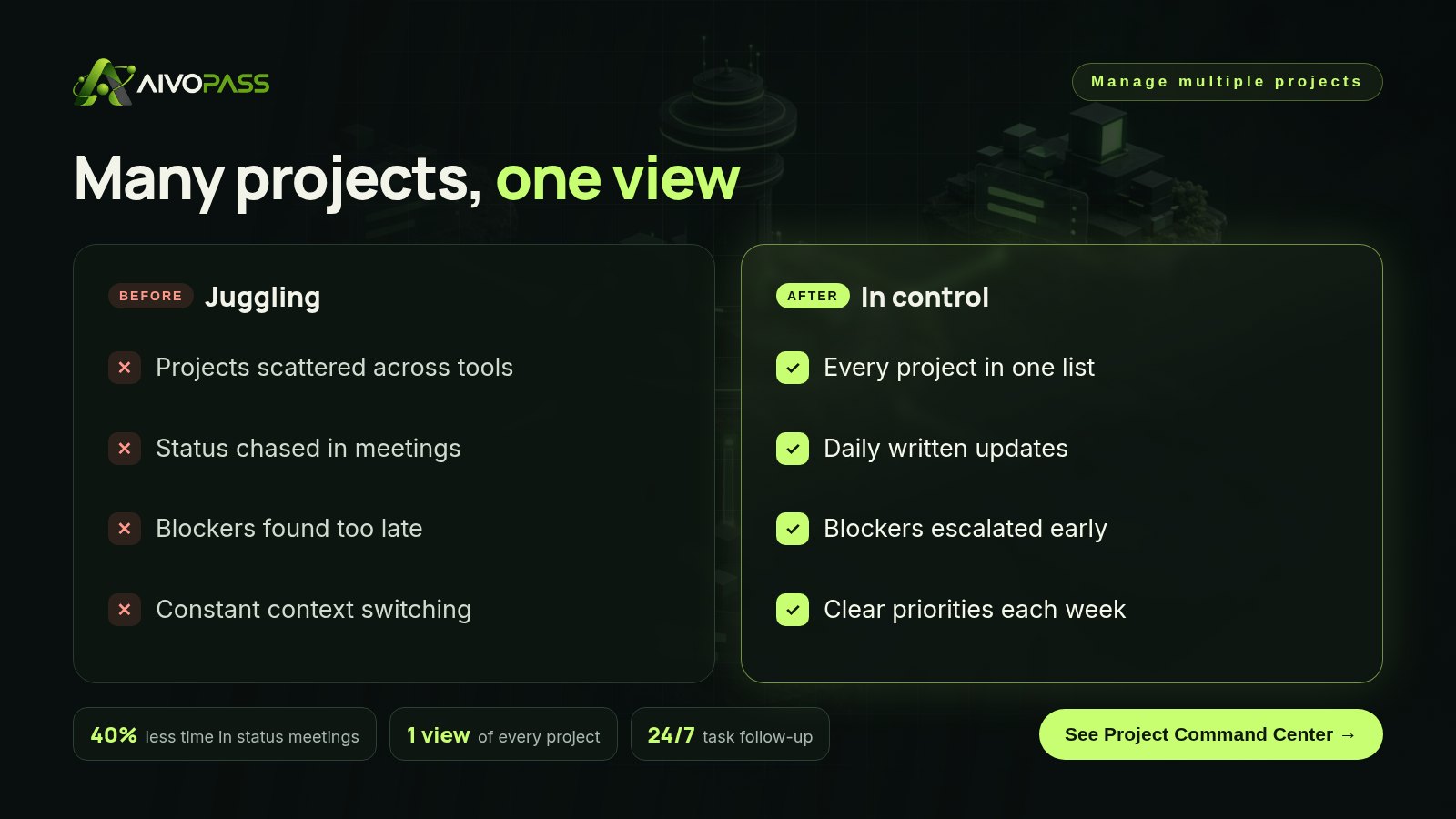
| Moment | Juggling projects | With Project Command Center |
|---|---|---|
| Monday morning | Long status meeting | Read the daily updates in minutes |
| Client asks for news | Search through chats | Status in one row |
| Task stalls | Noticed at the deadline | Followed up the same day |
| New urgent project | Everything else slips quietly | Priority order updated openly |
A 30-minute weekly project review
- Look at the full project list, sorted by priority.
- Review red and yellow projects first.
- Clear or reassign every blocker.
- Confirm next week’s top three priorities.
- Archive finished projects so the list stays honest.
Quick capacity check
| Signal | What it means | What to do |
|---|---|---|
| Many projects with no update this week | Too much work in progress | Pause or finish some before starting new ones |
| One person owns most projects | Bottleneck | Share ownership |
| Frequent deadline moves | Over-commitment | Re-order priorities with clients |
| Blockers older than three days | Slow escalation | Agree a same-day rule |
Who it is for
Agencies
A digital agency in Montreal runs a dozen client projects at once and wants fewer status meetings.
Startups
A startup in Toronto juggles product, hiring and fundraising projects with a small team.
Operations teams
An operations team in Winnipeg manages office moves, vendor changes and internal tools in parallel.
Results to expect
These figures are typical estimates, not guarantees. Results depend on your team, tools and how many projects you run.
Example: a Montreal agency with twelve projects
A bilingual design agency in Montreal had twelve active client projects and a two-hour status meeting every Monday. Updates lived in emails, chats and sticky notes. They set up Project Command Center with one row per client project and one channel for each. Specialist agents picked up research, copy and checklist tasks, and each project posted a short update every afternoon. Two weeks in, the Monday meeting shrank to thirty minutes focused only on red projects. A blocked approval on a restaurant website was escalated on the day it happened instead of the day before launch.
Mistakes to avoid
- Tracking projects in several tools at once.
- Having two owners, which often means none.
- Starting new projects before finishing old ones.
- Using meetings to share status that could be written.
- Hiding blockers until they become emergencies.
Safety and control
- You set priorities and approve key decisions.
- Agents work only in the workspace and chat you connect.
- Every update and task is visible to the team.
- You can pause the agents or remove access at any time.
Project Command Center vs alternatives
| Option | Single view | Daily follow-up | Effort |
|---|---|---|---|
| Spreadsheet | If kept up to date | No | Manual updates |
| Project tool alone | Yes | Only if people update it | Reminders and meetings |
| Project coordinator | Yes | Yes | Hiring and training |
| Project Command Center | Yes | Yes, automatically | Reading updates and deciding |
How setup works
- Choose Project Command Center and check out securely.
- Share your project list, owners and team chat setup.
- We connect your project workspace and chat and test the first daily update.
- Go live: one view, daily progress and early blockers.
Related agents
Add a hands-off engineering supervisor, an engineering lead or a research and fact-check desk. Browse all engineering AI agents or read more engineering and project guides.
The bottom line
Managing many projects gets easier when everything is visible, owned and updated daily. Project Command Center builds that rhythm for you, so your team spends less time reporting and more time delivering.
Get Project Command Center One view · Daily updates · Blockers early
Frequently asked questions
How do you manage multiple projects at once?
Keep every project in one list with one owner and a status, set a weekly priority order, break work into small next actions, collect short daily updates and raise blockers early.
How many projects can one person manage?
It depends on project size, but most people struggle beyond a handful of active projects without a single view and written updates. A system lets you handle more without more meetings.
Does Project Command Center replace my project tool?
No. It works inside your project workspace and team chat, keeping one row and one channel per project and adding daily follow-up.
Who makes decisions?
You do. The agents split tasks, follow up and report, but priorities, approvals and trade-offs stay with you and your team.
Is it only for software teams?
No. Agencies, consultancies, startups and operations teams running many client or internal projects use it too.
See Project Command Center in action.
Runs your team’s projects from a single workspace: one row per project, one channel per project, and tasks that your specialist agents pick up and complete. You make the decisions; the agents execute.
We are the people who set up, connect and support AivoPass agents for businesses across Canada and beyond. Every guide is written from real setup work, reviewed by our specialists and updated when an agent changes.
- ✓ Done-for-you setup
- ✓ You approve every important action
- ✓ Secure PayPal checkout
- ✓ Built for Canadian businesses


