How to Write a Good Bug Report Developers Can Fix the Same Day
"It is broken" is not a bug report. Here is how to write a good bug report, with a simple template and examples, so developers can fix problems fast.
 AivoPass Editorial TeamReviewed by our agent setup specialists
Updated
Reading time4 min

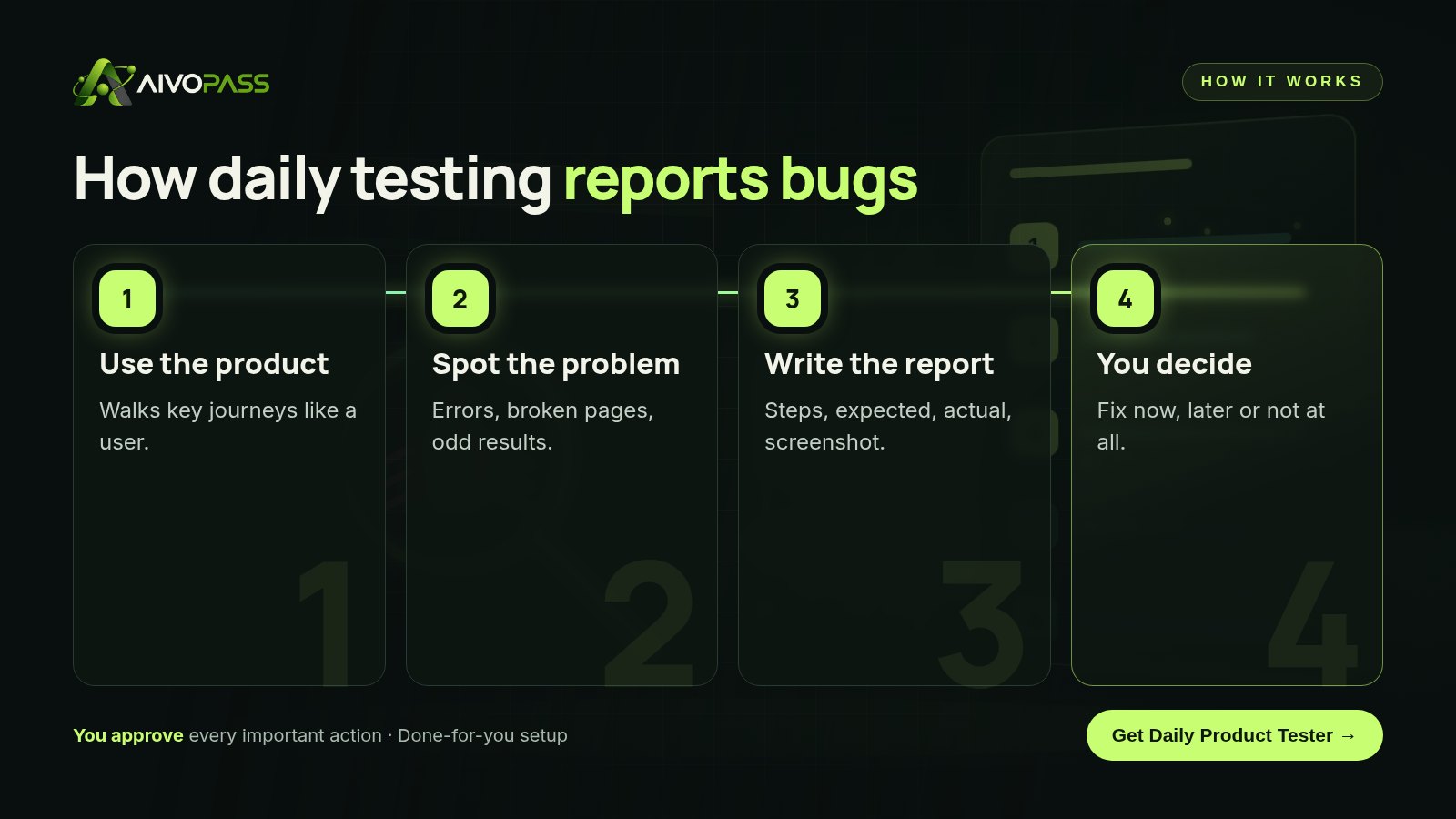
A good bug report gives developers everything needed to see and fix a problem: a clear title, where it happened, numbered steps to reproduce it, what you expected, what actually happened, a screenshot and the impact. Daily Product Tester uses your product every weekday and files reports in this format, with steps and screenshots, for your team to review.
Every product team has received a message like “the app is broken again” with nothing else attached. Somebody then spends half an hour asking questions, trying to reproduce it and guessing which browser was used. Knowing how to write a good bug report turns that half hour into a five-minute fix, because the developer can see the problem straight away.
This guide gives you a seven-part template, a bad and good example, severity levels and tips for staff and customers. It also shows how Daily Product Tester uses your product every weekday like a real user and files reports in exactly this format, with steps and screenshots.
See Daily Product Tester Done-for-you setup · You approve every action
What makes a good bug report?
A good bug report is one a developer can act on without asking a single follow-up question. It explains where the problem happened, how to make it happen again, what should have happened, what actually happened and how much it matters. Clear, short and reproducible beats long and emotional every time.
The seven parts of a bug report
- Title: what is wrong and where, for example “Discount code rejected at checkout on mobile”.
- Where: page or screen, device, browser and account type.
- Steps to reproduce: numbered, starting from a known point.
- Expected result: what should have happened.
- Actual result: what happened instead, with any error message copied exactly.
- Evidence: screenshot or short screen recording.
- Impact: who is affected and how badly.
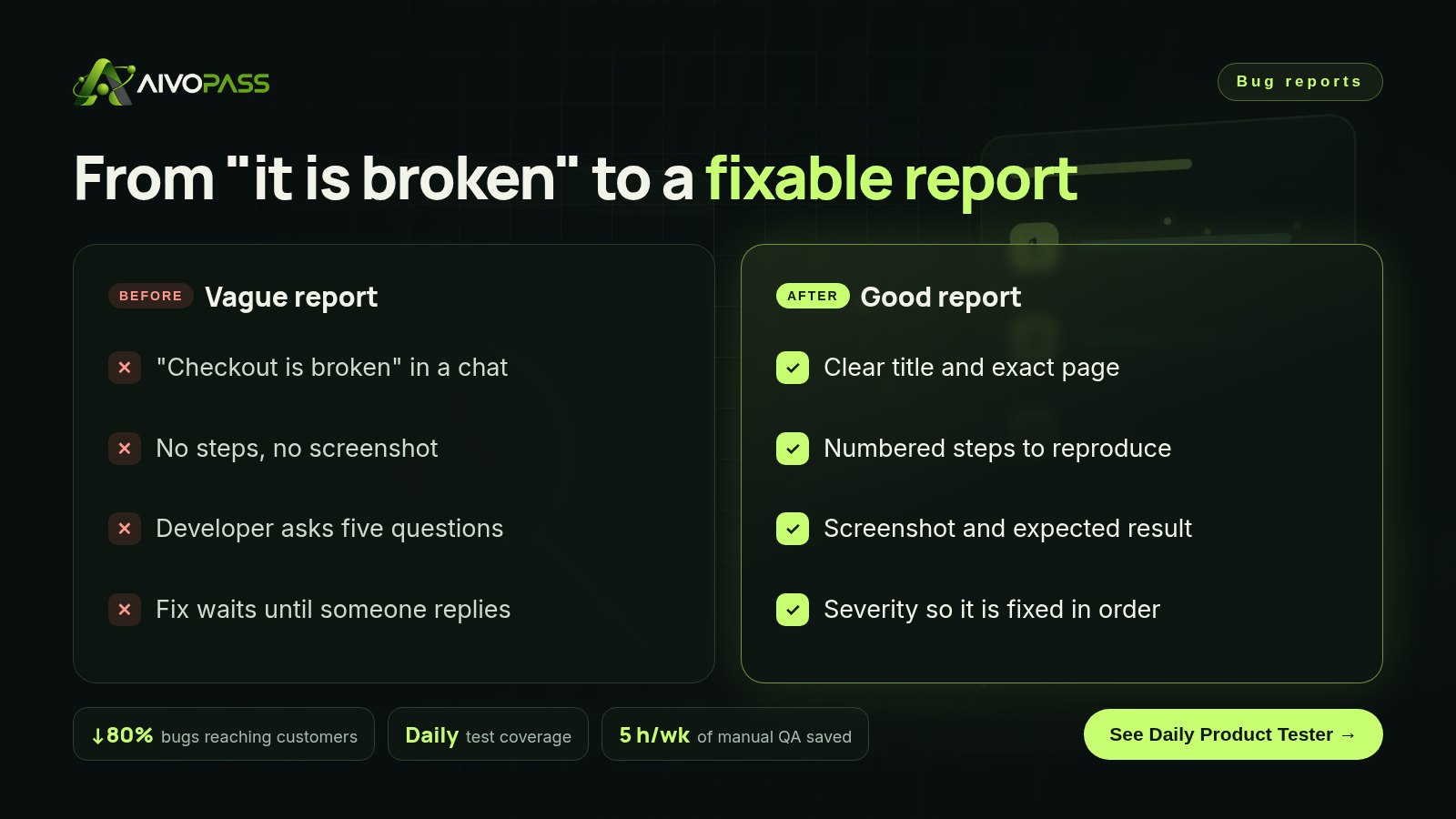
A bad report and a good one
| Part | Bad report | Good report |
|---|---|---|
| Title | Checkout broken!! | Discount code rejected at checkout on mobile |
| Where | On the site | Checkout page, phone browser, logged-in customer |
| Steps | Tried to buy | 1. Add any item 2. Go to checkout 3. Enter a valid code 4. Tap Apply |
| Result | Does not work | Expected: discount applied. Actual: “Invalid code” message |
| Evidence | None | Screenshot of the error attached |
Severity levels and response times
| Severity | Example | Typical response |
|---|---|---|
| Critical | Customers cannot sign up, log in or pay | Fix today |
| High | A key feature fails for some users | Fix this week |
| Medium | A workaround exists | Plan into the next release |
| Low | Spelling or small layout issue | Fix when convenient |
Who it is for
SaaS founders without a QA team
A two-founder software company in Toronto ships every week and needs someone to check the basics every morning.
Online stores
A home goods shop in Vancouver wants to know if checkout breaks before customers start emailing.
Agencies managing client sites and apps
A digital agency in Ottawa wants daily checks across several client products in English and French.
Results to expect
These figures are typical estimates, not guarantees. Results depend on your product, release pace and how quickly issues are fixed.
Example: an online store in Vancouver
A small home goods store updated its shipping options on a Thursday afternoon. On Friday morning the Daily Product Tester report included one critical issue: customers in Quebec could not complete checkout because the province field reset after the shipping step. The report listed five numbered steps, the expected and actual result and two screenshots. The developer reproduced it in two minutes and fixed it before lunch. Without the report, the store would most likely have found out from abandoned carts and an angry email days later.
A copy-ready bug report template
- Title: [What is wrong] on [where]
- Environment: page, device, browser, account type
- Steps: 1… 2… 3…
- Expected: …
- Actual: … (exact error text)
- Evidence: screenshot or recording
- Impact and severity: who is affected; critical, high, medium or low
Share this template with support staff and add a simplified version to your customer contact form. Better reports from everyone means faster fixes.
Mistakes to avoid
- Putting several bugs in one report.
- Writing steps that start in the middle of a journey.
- Describing feelings instead of results.
- Leaving out the device and browser.
- Marking everything as critical.
Safety and control
- It uses its own test accounts, never real customer accounts.
- It reports problems; your team decides what gets fixed.
- It only gets the access you grant for testing.
- It flags issues that need your decision instead of guessing.
- You can pause it or remove access at any time.
Daily Product Tester vs alternatives
| Option | Runs every weekday | Report quality | Effort for you |
|---|---|---|---|
| Waiting for customer emails | No | Usually vague | Support time and lost trust |
| Shared bug spreadsheet | When someone remembers | Mixed | Chasing details |
| Part-time tester | Some days | Good | Hiring and managing |
| Daily Product Tester | Yes | Steps and screenshots every time | Reading a morning report |
How setup works
- Choose Daily Product Tester and check out securely.
- Share your product address, key user journeys and a test account.
- We set up the daily run and test the first report with you.
- Go live: a weekday report of what shipped, what broke and what needs your decision.
Related agents
Add a release QA checker, a product spec writer or a prototype builder. Browse all product AI agents or read more product guides.
The bottom line
Bugs are fixed faster when they are reported well. Use the seven-part template with your team, and let Daily Product Tester find problems every weekday and write them up so your developers can act the same day.
Get Daily Product Tester Weekday testing · Steps and screenshots · You decide what to fix
Frequently asked questions
What should a good bug report include?
A clear title, where it happened (page, device, browser), numbered steps to reproduce, expected result, actual result, a screenshot or recording and the impact on users.
How do I write steps to reproduce?
Start from a known point, such as the home page logged out, and list each click or entry in order until the problem appears. Someone else should be able to follow them without asking you anything.
What is bug severity?
Severity describes how much harm a bug causes, from critical (customers cannot pay or log in) to low (a small visual issue). It helps your team fix the most harmful problems first.
Does Daily Product Tester fix the bugs?
No. It finds and reports them with steps and screenshots, and flags which ones need your decision. Your developers choose what to fix.
What does it need to start?
Your product address and a test account. It handles its own test sign-ups where needed, so it never uses real customer accounts.
See Daily Product Tester in action.
Uses your product every weekday from its own test account and reports what shipped, what broke (with steps and screenshots) and which issues need your decision.
We are the people who set up, connect and support AivoPass agents for businesses across Canada and beyond. Every guide is written from real setup work, reviewed by our specialists and updated when an agent changes.
- ✓ Done-for-you setup
- ✓ You approve every important action
- ✓ Secure PayPal checkout
- ✓ Built for Canadian businesses