How to Validate a Product Idea in One Week Before You Build It
Building the wrong feature is the most expensive mistake a product team can make. Here is how to validate a product idea in one week with a real prototype and real users.
 AivoPass Editorial TeamReviewed by our agent setup specialists
Updated
Reading time4 min
To validate a product idea, write down the riskiest assumption, decide what result would prove it, build a quick working prototype, put it in front of five real users and watch what they do, not just what they say. Then build, change or drop the idea. Prototype Builder turns ideas into live prototypes in your real app as draft changes, with screenshots and a short video, and never merges on its own.
Every product team has a list of ideas that seemed brilliant in a meeting and quietly failed after launch. The problem is not the ideas. It is building them before anyone has tried them. Knowing how to validate a product idea quickly lets you spend development time only on what people actually want.
This guide gives you a one-week validation plan, the signals that really count and interview questions that avoid polite but useless answers. It also shows how Prototype Builder turns an idea into a live, shareable prototype inside your real app, so users try the real thing instead of imagining it.
See Prototype Builder Done-for-you setup · You approve every action
What does it mean to validate a product idea?
Validating a product idea means collecting real evidence that people need it and will use it before you invest in building it fully. You test the riskiest assumption with a quick prototype and real users, and you judge the result by behaviour, not opinions. The outcome is a clear decision: build it, change it or drop it.
The one-week validation plan
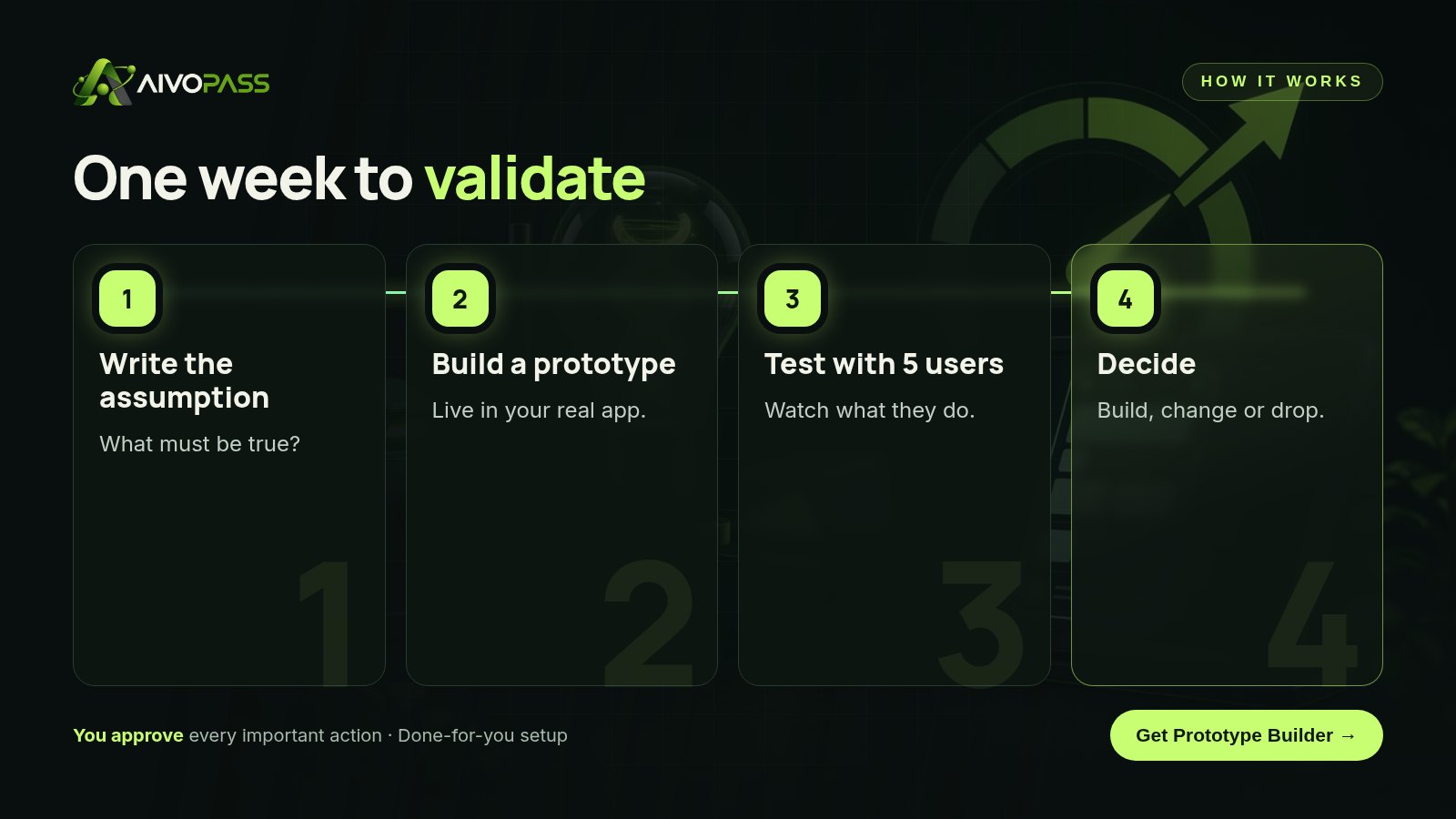
- Day 1, write the assumption: “Clinic managers will use a waitlist to fill last-minute gaps.”
- Day 1, define success: “At least four of five users complete the waitlist flow without help and say they would use it this week.”
- Day 2, build a working prototype in your real app.
- Days 3–4, test with five real users and watch them use it.
- Day 5, decide: build, change or drop.
How Prototype Builder works
- Working prototypes in your real app, as draft code changes.
- Screenshots and a short demo video to share with users and your team.
- Mockups and visuals on the side when you need them.
- Nothing merged without approval.
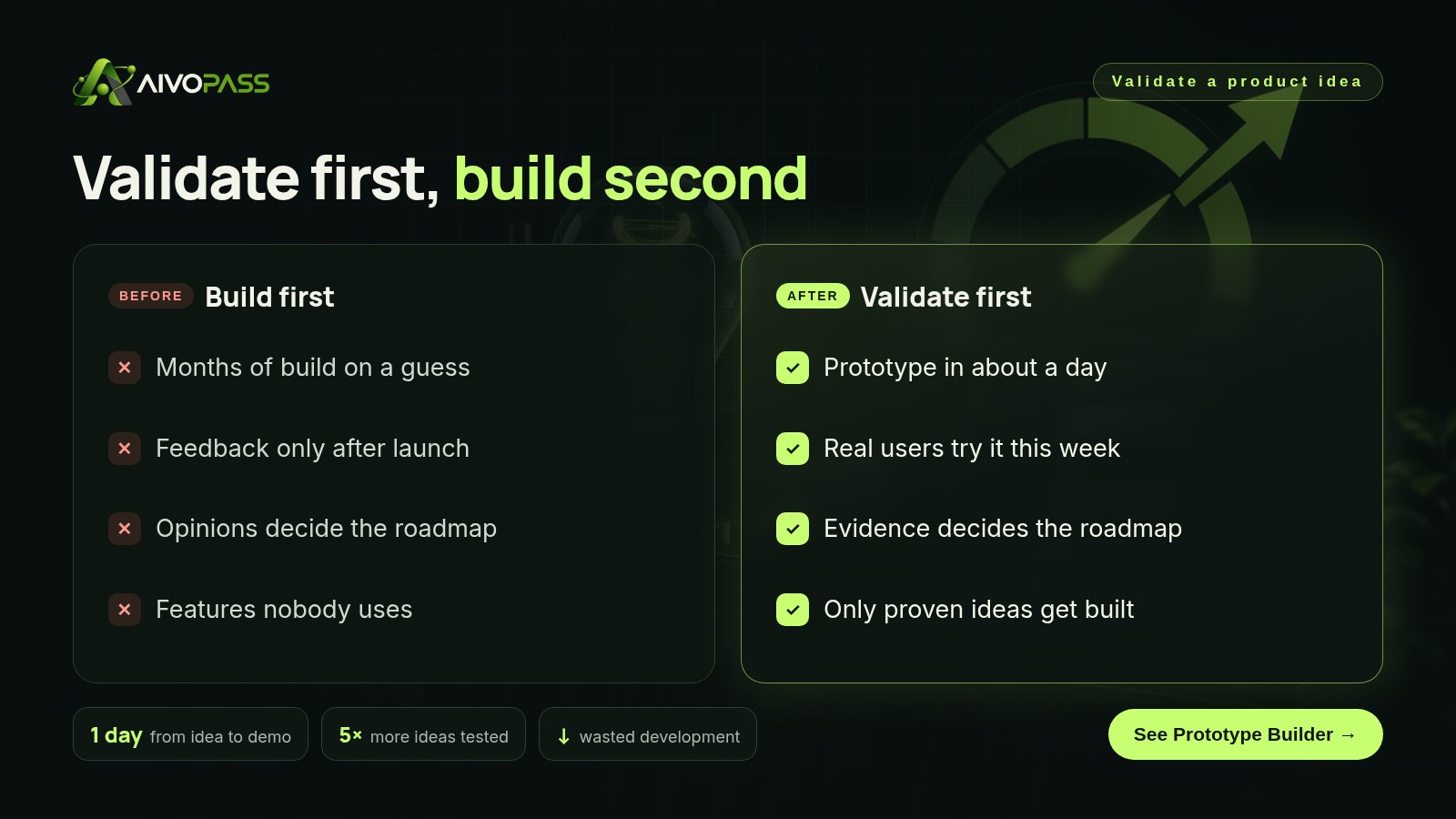
Before and after
| Stage | Build first | With Prototype Builder |
|---|---|---|
| Idea | Added to the roadmap | Prototype built in about a day |
| Feedback | After months of work | This week, from real users |
| Decision | Loudest opinion wins | Evidence from the test |
| Wasted work | Features nobody uses | Weak ideas dropped early |
Strong and weak validation signals
| Signal | Strength | Why |
|---|---|---|
| “Nice idea!” | Weak | Polite and costs nothing |
| Survey says they are interested | Weak | Intent is not behaviour |
| Users complete the prototype task unaided | Strong | Real behaviour |
| Users ask when they can have it | Strong | Real demand |
| Users agree to a pilot or pre-order | Very strong | Commitment |
Interview questions that work
- “Tell me about the last time this problem happened.”
- “What did you do about it?”
- “Show me how you would do this task in the prototype.”
- “What would stop you using this next week?”
Avoid asking “Would you use this?” People say yes to be kind. Watch what they do instead.
Who it is for
Product managers
A product manager in Vancouver wants to test three ideas before the next planning cycle.
Founders
A founder in Toronto needs proof to show investors and early customers.
Product teams
A team in Halifax wants fewer roadmap debates and more evidence.
Results to expect
These figures are typical estimates, not guarantees. Results depend on your product, codebase and testing process.
Example: a Vancouver software team
A small team in Vancouver builds booking software for physiotherapy clinics. Their biggest debate was whether to build a waitlist for cancelled appointments. Instead of arguing, they wrote the assumption and success signal and asked Prototype Builder for a draft waitlist screen in their real app. The next day they had a working prototype, screenshots and a short video. Five clinic managers tried it. Four completed the flow without help, but three asked for text-message alerts instead of email. The team changed the plan, built the version with text alerts and skipped two weeks of work on a design that would have missed the mark.
Mistakes to avoid
- Testing with friends and colleagues instead of real users.
- Changing the success signal after the test.
- Showing static pictures when a clickable prototype is possible.
- Asking leading questions.
- Keeping a weak idea alive because work has already started.
Safety and control
- Prototypes are draft code changes, never merged on their own.
- Nothing is published without your approval.
- Access is limited to the repository and design tool you connect.
- You can remove access at any time.
Prototype Builder vs alternatives
| Option | Speed | Evidence quality | Effort |
|---|---|---|---|
| Build the full feature | Weeks or months | High, but too late | Very high |
| Survey | Fast | Low | Low |
| Static mockup | Fast | Medium | Design time |
| Prototype Builder | About a day | High, real behaviour | Describing the idea |
How setup works
- Choose Prototype Builder and check out securely.
- Share your product, the ideas you want to test and your review process.
- We connect your repository and design tool and build the first test prototype.
- Go live: send ideas, get prototypes, test with users.
Related agents
Pair it with an idea stress test, a product spec writer or a daily product tester. Browse all product AI agents or read more product guides.
The bottom line
The cheapest feature is the one you never had to build. Validate ideas in a week with a real prototype and real users. Prototype Builder makes that week possible, while you keep full control over what ships.
Get Prototype Builder Live prototypes · Screenshots and video · Nothing merged without you
Frequently asked questions
How do you validate a product idea?
Write the riskiest assumption, define a success signal, build a quick prototype, test it with about five real users and decide whether to build, change or drop the idea based on what they actually do.
How many users do I need to validate an idea?
For early validation, around five well-chosen users often reveal the biggest problems. You can test with more later to confirm.
What is the difference between a prototype and a mockup?
A mockup shows how something looks. A working prototype lets people click and try it, which gives much stronger evidence.
Does Prototype Builder change my live product?
No. It creates draft code changes with screenshots and a short video. Nothing is merged or published without your approval.
What does it need?
Access to your code repository and design tool, with the permissions you choose.
See Prototype Builder in action.
Turns your daily product ideas into live, shareable prototypes inside your real app — as draft code changes with screenshots and a short video — plus mockups and images. Never merges or publishes on its own.
We are the people who set up, connect and support AivoPass agents for businesses across Canada and beyond. Every guide is written from real setup work, reviewed by our specialists and updated when an agent changes.
- ✓ Done-for-you setup
- ✓ You approve every important action
- ✓ Secure PayPal checkout
- ✓ Built for Canadian businesses