AI Agent Job Description Template: Define the Role Before You Build It
You would never hire someone without a job description. An AI agent needs one too. This template helps you define one clear job, the right tools and firm limits.
 AivoPass Editorial TeamReviewed by our agent setup specialists
Updated
Reading time5 min

An AI agent job description template defines what an agent does before anyone builds it: one clear job, what triggers it, the information and tools it may use, its rules and tone, a never-do list and how success is measured. Custom Agent Designer interviews you, writes this description, picks only the tools needed and tests the agent before launch.
When you hire a person, you write down the role first: what they own, who they report to and what success looks like. Many owners skip this step with AI and simply say “help me with admin”. The result is an assistant that does a bit of everything and nothing reliably. An AI agent job description template fixes that by making you define one job, clearly, before anything is built.
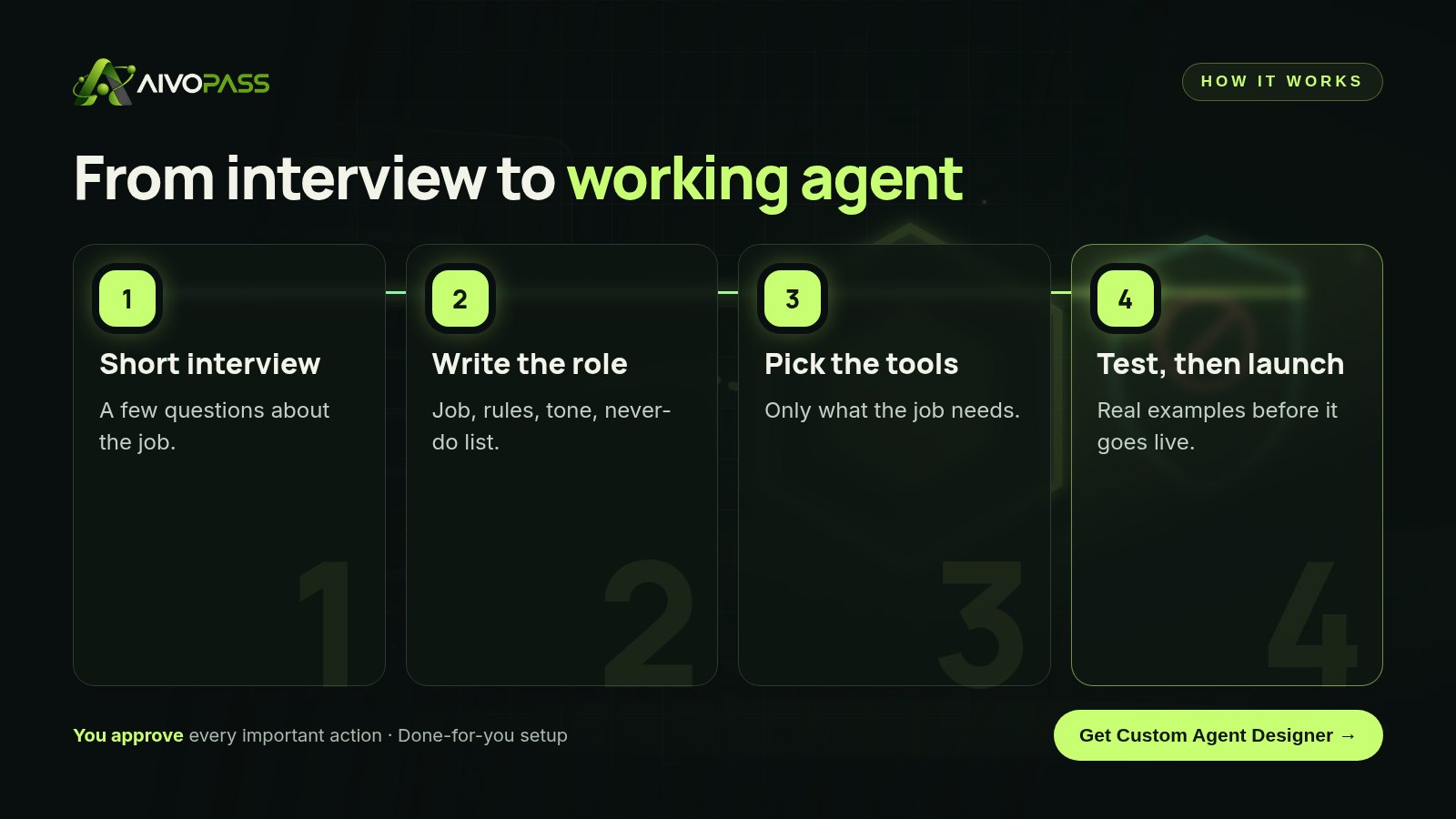
Below you will find the eight parts of a good agent job description, a filled-in example and the mistakes that cause most agents to disappoint. If you would rather not write it yourself, Custom Agent Designer interviews you with a few simple questions, writes the description and builds a tested agent from it.
See Custom Agent Designer Done-for-you setup · You approve every action
What is an AI agent job description template?
An AI agent job description template is a fill-in brief that describes a single job for an AI agent: the trigger, inputs, tools, rules, tone, limits and success measure. It turns a vague wish into a role that can be built, tested and trusted. Think of it as the onboarding document you would give a careful new hire.
The eight parts of the template
- The job in one sentence: for example, “Answer new rental enquiries and book viewings.”
- Trigger: what starts the work, such as a new email, a form or a time of day.
- Inputs: the information it reads, such as a listings sheet or a calendar.
- Tools: only the accounts it needs, with the lowest access that works.
- Rules: how decisions are made, for example “offer the two nearest open slots”.
- Tone: how it writes, in English, French or both.
- Never-do list: actions that are off limits, no matter what.
- Success measure: how you will know it works, such as replies within an hour.
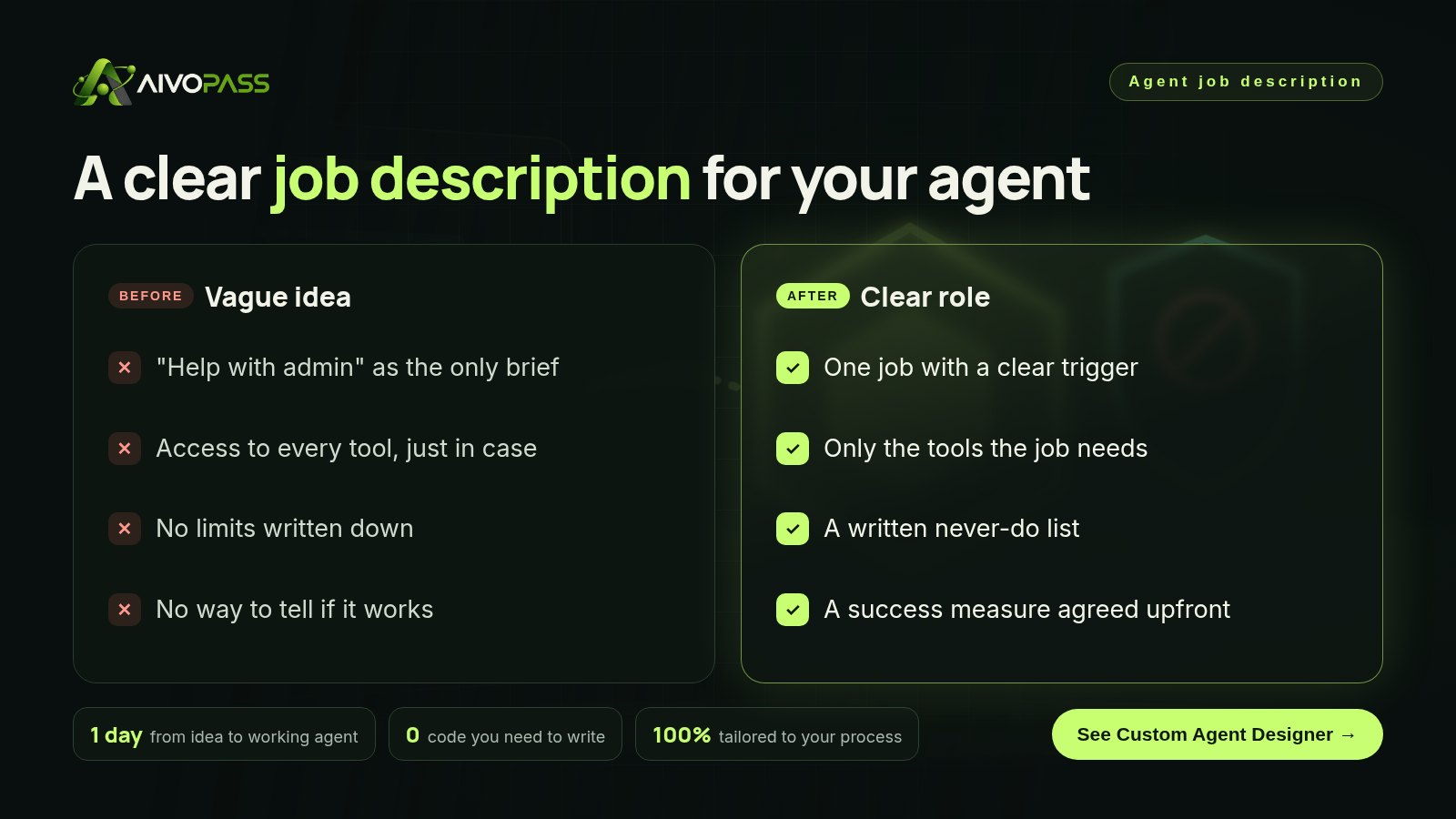
Before and after a written role
| Area | Vague agent | Agent built by Custom Agent Designer |
|---|---|---|
| Scope | Anything you ask | One clear job |
| Access | Every tool connected | Only what the job needs |
| Limits | Unwritten | A clear never-do list |
| Quality check | Hope for the best | Tested on real examples before launch |
Good vs vague role statements
| Vague | Clear |
|---|---|
| Help with customer emails | Draft replies to delivery questions using the order sheet, for my approval |
| Manage my calendar | Offer two open slots for discovery calls and hold them for 24 hours |
| Do our marketing | Turn each new blog post into three social drafts every Monday |
| Handle invoices | List unpaid invoices older than 30 days each Friday with a reminder draft |
Who it is for
Owners with one repetitive job
A property manager in Halifax answers the same rental questions twenty times a week and wants one agent for just that.
Teams with a process no ready-made tool covers
A logistics company in Winnipeg has a unique way of confirming pickups and needs an agent built around it.
Founders who tried a chatbot and were disappointed
A clinic owner in Calgary found a general assistant too unpredictable and wants a narrow, reliable role instead.
Results to expect
These figures are typical estimates, not guarantees. Timing depends on the job and the tools that need connecting.
A filled-in example: a Halifax property manager
Here is how the template looked for a small property management firm with forty rental units.
- Job: answer new rental enquiries and offer viewing times.
- Trigger: a new message in the rentals inbox.
- Inputs: the listings sheet with availability, pets and parking details.
- Tools: read access to the inbox and sheet, draft access to email, view access to the viewing calendar.
- Rules: answer only from the listings sheet; offer the two earliest open viewing slots.
- Tone: warm and short; reply in French if the enquiry is in French.
- Never-do list: never promise a unit, never discuss deposits, never send without approval during the first month.
- Success measure: every enquiry answered within one business hour.
After a month of approving drafts, the manager allowed the agent to send routine replies on its own, while anything about deposits or leases still came to her.
How to test the description before launch
- Collect ten real past requests, including two awkward ones.
- Run them through the agent and compare its answers with yours.
- Check that every never-do item holds, even when asked directly.
- Tighten rules where answers drift, then retest.
- Start with approval on, and relax it only when results are steady.
Mistakes to avoid
- Giving one agent five jobs.
- Connecting full admin access when read access is enough.
- Skipping the never-do list.
- Measuring nothing, so nobody knows if it helps.
- Launching without testing on real examples.
Safety and control
- You approve important actions; nothing risky happens on its own.
- Each agent gets the minimum access its job needs.
- The never-do list is tested before launch.
- Access can be removed at any time.
- You can review, pause or change the role whenever you like.
Custom Agent Designer vs alternatives
| Option | Clear role and limits | Tested before launch | Effort for you |
|---|---|---|---|
| General chatbot | No | No | Low, but unpredictable |
| Do-it-yourself prompt | Sometimes | Rarely | Trial and error |
| Developer project | Yes | Yes | Weeks of meetings |
| Custom Agent Designer | Yes, written for you | Yes | A short interview |
How setup works
- Choose Custom Agent Designer and check out securely.
- Answer a short interview or send a written brief about the job.
- We write the role, connect the right tools and test with real examples.
- Go live with approval on, then adjust as you gain trust.
Related agents
If you need several agents working together, look at an AI team architect, an executive assistant or an office operations desk. Browse all operations AI agents or read more operations guides.
The bottom line
Good agents start with a good job description: one job, the right tools and firm limits. Write it with the template above, or let Custom Agent Designer ask the questions and hand you a tested agent built for exactly that job.
Get Custom Agent Designer One clear job · Never-do list included · Tested before launch
Frequently asked questions
What is an AI agent job description?
It is a short written brief that defines one job for an AI agent: what starts it, what it can use, how it should behave, what it must never do and how you will judge its results.
Why does an agent need a never-do list?
Because limits matter more than abilities. A never-do list, such as never sending money or never emailing customers without approval, keeps the agent safe and predictable.
Do I need technical skills to fill in the template?
No. Custom Agent Designer asks plain questions about the job and turns your answers into the full description and a working agent. There is no code to write.
How long does it take?
Many single-job agents go from idea to a tested agent in about a day, depending on the tools that need to be connected.
Can I change the job description later?
Yes. You can tighten rules, add a tool or narrow the job at any time, and the agent is retested after changes.
See Custom Agent Designer in action.
Not sure which agent you need? This one interviews you with a few simple questions, then designs a tailor-made agent with one clear job, the right tools and a clear list of things it must never do.
We are the people who set up, connect and support AivoPass agents for businesses across Canada and beyond. Every guide is written from real setup work, reviewed by our specialists and updated when an agent changes.
- ✓ Done-for-you setup
- ✓ You approve every important action
- ✓ Secure PayPal checkout
- ✓ Built for Canadian businesses