Lead Scoring for Small Business: A Simple Model That Tells You Who to Call First
When every lead looks the same, sales calls go out in the wrong order. Here is a simple lead scoring model for small business that shows who to call first.
 AivoPass Editorial TeamReviewed by our agent setup specialists
Updated
Reading time5 min

Lead scoring for small business gives each lead points for fit (right size, industry and role) and intent (recent actions like visits to plans or services pages, return visits or product usage), then sorts leads into hot, warm and cold so your team calls the readiest first. Buying-Signal Prospector ranks accounts daily from your CRM and product data, explains every signal and drafts first messages for your approval.
Most small B2B teams work their leads in the order they arrive. That feels fair, but it means a company that has visited your site five times this week waits behind a student who downloaded a guide a month ago. Lead scoring for small business fixes the order. It does not need a data team, just a few clear rules about fit and intent.
This guide gives you a simple scoring model, a sample points table, what to do with hot, warm and cold leads and how to keep the model honest. It also shows how Buying-Signal Prospector ranks your accounts every day from your CRM and product data, explains each signal and drafts the first message for your approval.
See Buying-Signal Prospector Done-for-you setup · You approve every action
What is lead scoring for small business?
Lead scoring for small business is a simple points system that ranks leads by how well they match your ideal customer and how much interest they are showing right now. Fit tells you whether a lead is worth pursuing; intent tells you when. Together they produce a daily list of who to contact first and why.
The two parts of a lead score
Fit: are they the right kind of customer?
- Company size in your sweet spot.
- An industry you serve well.
- A contact with the right role or authority.
- A location you can serve, for example in Canada or your time zones.
Intent: are they ready now?
- Recent visits to key pages, such as services or plans.
- Several visits in a short time.
- Trial sign-up or active product usage.
- A reply to an email or a request for information.
A sample points table
| Signal | Type | Points |
|---|---|---|
| Company size matches your ideal customer | Fit | +15 |
| Industry you serve well | Fit | +10 |
| Decision maker role | Fit | +10 |
| Visited plans or services page this week | Intent | +20 |
| Three or more visits in seven days | Intent | +15 |
| Active in trial or product this week | Intent | +25 |
| Student or competitor email address | Fit | −30 |
| No activity for 30 days | Intent | −20 |
Add negative points and let intent points fade over time. A visit from last week matters far more than one from last quarter.
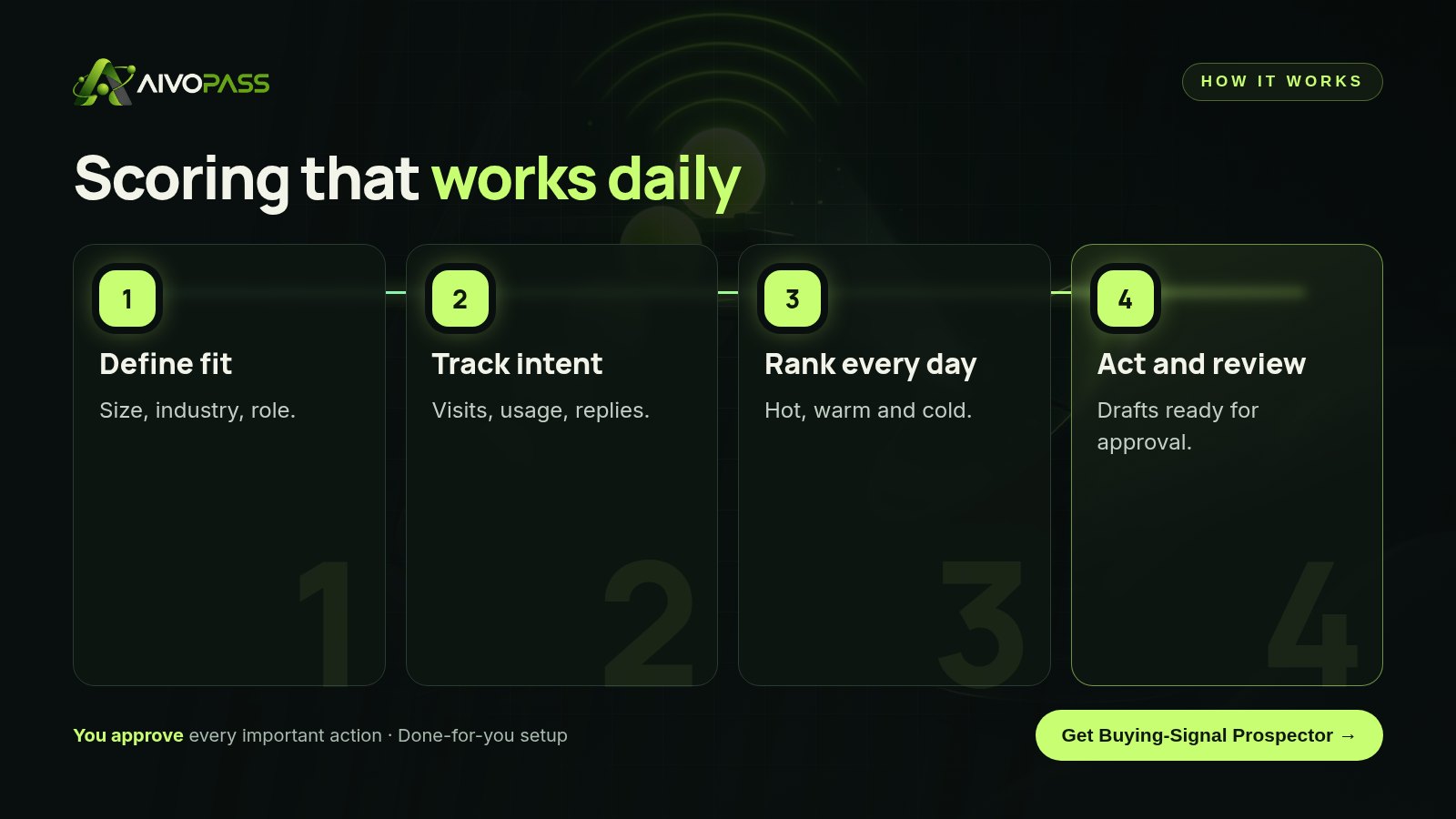
How Buying-Signal Prospector works
- Detects intent signals in your CRM and product data.
- Ranks accounts by readiness on a schedule.
- Explains every signal, so you know why a lead is hot.
- Drafts first messages for your approval.
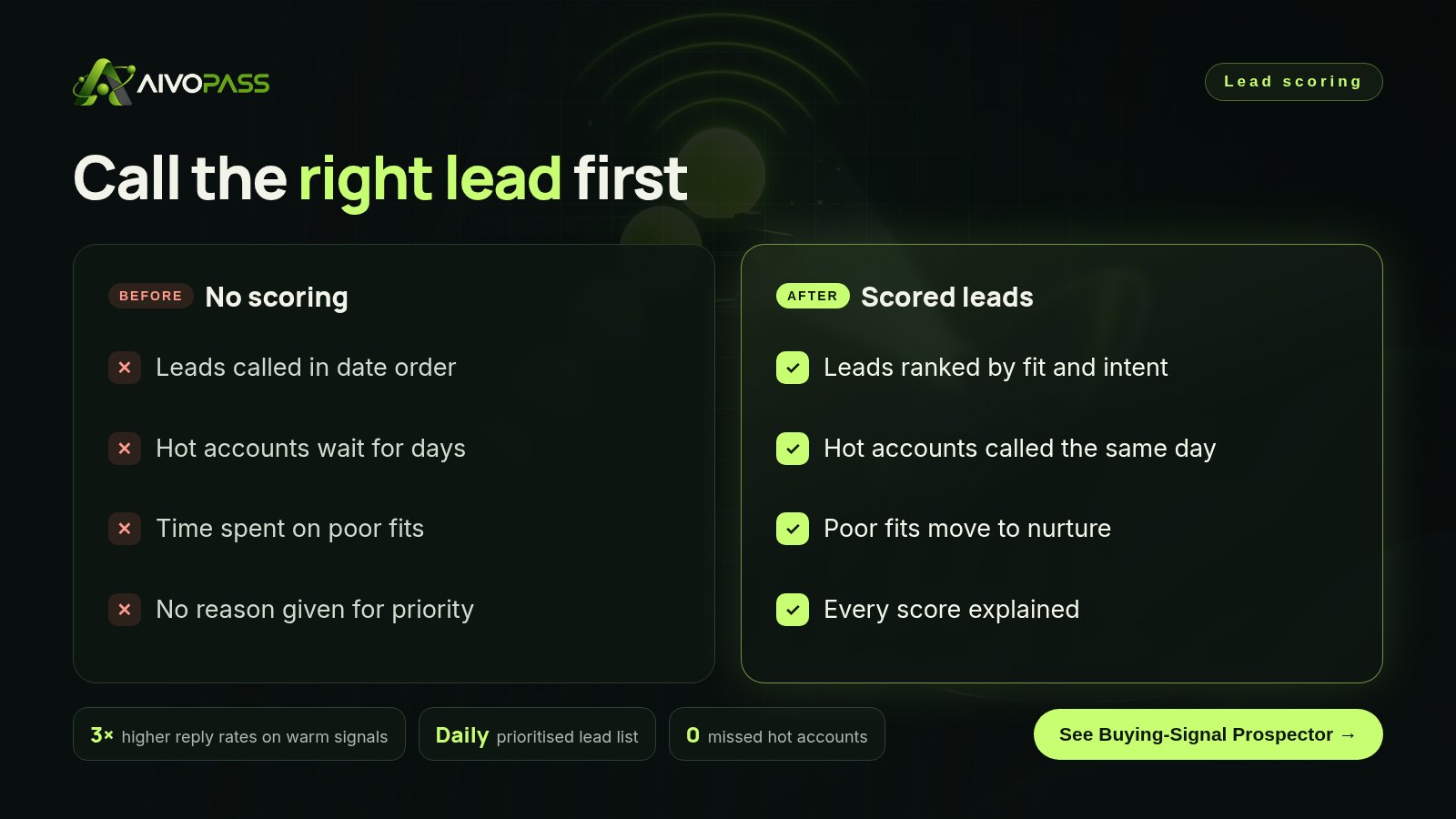
Before and after
| Moment | No lead scoring | With Buying-Signal Prospector |
|---|---|---|
| Monday morning | Long list in date order | Ranked list with reasons |
| A company returns three times | Nobody notices | Flagged as hot the same day |
| Poor-fit lead | Gets a sales call | Moved to nurture |
| First message | Generic template | Draft based on the actual signal |
Hot, warm and cold: what to do with each
| Band | Score | Action |
|---|---|---|
| Hot | 60 and above | Personal message or call today |
| Warm | 30 to 59 | Helpful follow-up this week |
| Cold | Below 30 | Nurture emails, review next month |
Who it is for
B2B service firms
An IT services firm in Calgary receives more enquiries than its two sellers can answer quickly.
Software companies with trials
A software startup in Toronto has hundreds of trial sign-ups and needs to know which ones are serious.
Industrial suppliers
An industrial supplier in Burnaby wants to spot returning buyers before they request quotes elsewhere.
Results to expect
These figures are typical estimates, not guarantees. Results depend on your data, market and follow-up.
Example: an industrial supplier in Burnaby
A family-owned supplier of packaging equipment in Burnaby had one inside sales rep working through web enquiries in date order. Larger buyers often compared several suppliers and were gone before the rep reached them. The team set up Buying-Signal Prospector with a simple model: points for manufacturing and food companies of the right size, and for repeat visits to equipment pages and spec sheet downloads. Each morning the rep received a ranked list with a one-line reason for every hot account and a drafted first message. A food processor that had looked at the same machine page four times in two days was called that morning and asked for a site visit.
Keep your model honest
- Compare scores with won and lost deals once a month.
- Remove signals that never lead to sales.
- Let intent points fade after two to four weeks.
- Ask sellers which hot leads were not really hot.
- Keep the model simple enough to explain in one sentence.
Mistakes to avoid
- Scoring only on fit and ignoring timing.
- Giving points for every email open.
- Never removing points for inactivity.
- Building a model so complex nobody trusts it.
- Scoring leads but not changing who gets called first.
Safety and control
- Nothing is sent without your approval.
- Every score comes with an explanation.
- It uses only the CRM and analytics access you grant.
- Messages respect consent rules such as CASL; you decide who is contacted.
- You can pause it or remove access at any time.
Buying-Signal Prospector vs alternatives
| Option | Uses intent signals | Explains priority | Effort |
|---|---|---|---|
| First in, first out | No | No | Low, but slow for hot leads |
| Gut feeling | Sometimes | No | Depends on the seller |
| Point rules in a CRM | Partly | Rarely | Setup and upkeep |
| Buying-Signal Prospector | Yes, daily | Yes, every signal | Reviewing a ranked list |
How setup works
- Choose Buying-Signal Prospector and check out securely.
- Describe your ideal customer and the signals you trust.
- We connect your CRM and product analytics and test the first ranked list.
- Go live: a daily list of who to contact first, with drafts ready.
Related agents
Add an account research brief, a call follow-up writer or a full-funnel sales agent. Browse all sales AI agents or read more sales guides.
The bottom line
You do not need more leads if the best ones are waiting in line. A simple fit-and-intent score puts them at the front. Buying-Signal Prospector keeps that list fresh every day and explains why, so your team spends its time where deals are ready.
Get Buying-Signal Prospector Daily ranked list · Every signal explained · Drafts for approval
Frequently asked questions
What is lead scoring?
Lead scoring gives each lead points based on how well they fit your ideal customer and how strongly they are showing interest, so your team knows who to contact first.
Is lead scoring worth it for a small business?
Yes, if you get more leads than you can contact quickly. Even a simple model stops hot leads from waiting behind poor fits.
What are good intent signals?
Recent visits to key pages, return visits, trial or product usage, replies to emails, event attendance and requests for information. Recent signals count more than old ones.
Does the agent contact leads by itself?
No. Buying-Signal Prospector ranks leads, explains each signal and drafts first messages, but you approve anything that is sent.
What data does it use?
Your CRM and product analytics, with the access you choose. You can remove access at any time.
See Buying-Signal Prospector in action.
Finds accounts and people in your CRM and product data who just showed buying intent, ranks them, explains every signal and drafts the first message. Runs on a schedule.
We are the people who set up, connect and support AivoPass agents for businesses across Canada and beyond. Every guide is written from real setup work, reviewed by our specialists and updated when an agent changes.
- ✓ Done-for-you setup
- ✓ You approve every important action
- ✓ Secure PayPal checkout
- ✓ Built for Canadian businesses