Meeting Action Items: How to Make Sure Every Promise Actually Gets Done
Most meetings end with good intentions and vague next steps. Here is how to write meeting action items that get done, and how to catch the ones that slip.
 AivoPass Editorial TeamReviewed by our agent setup specialists
Updated
Reading time4 min
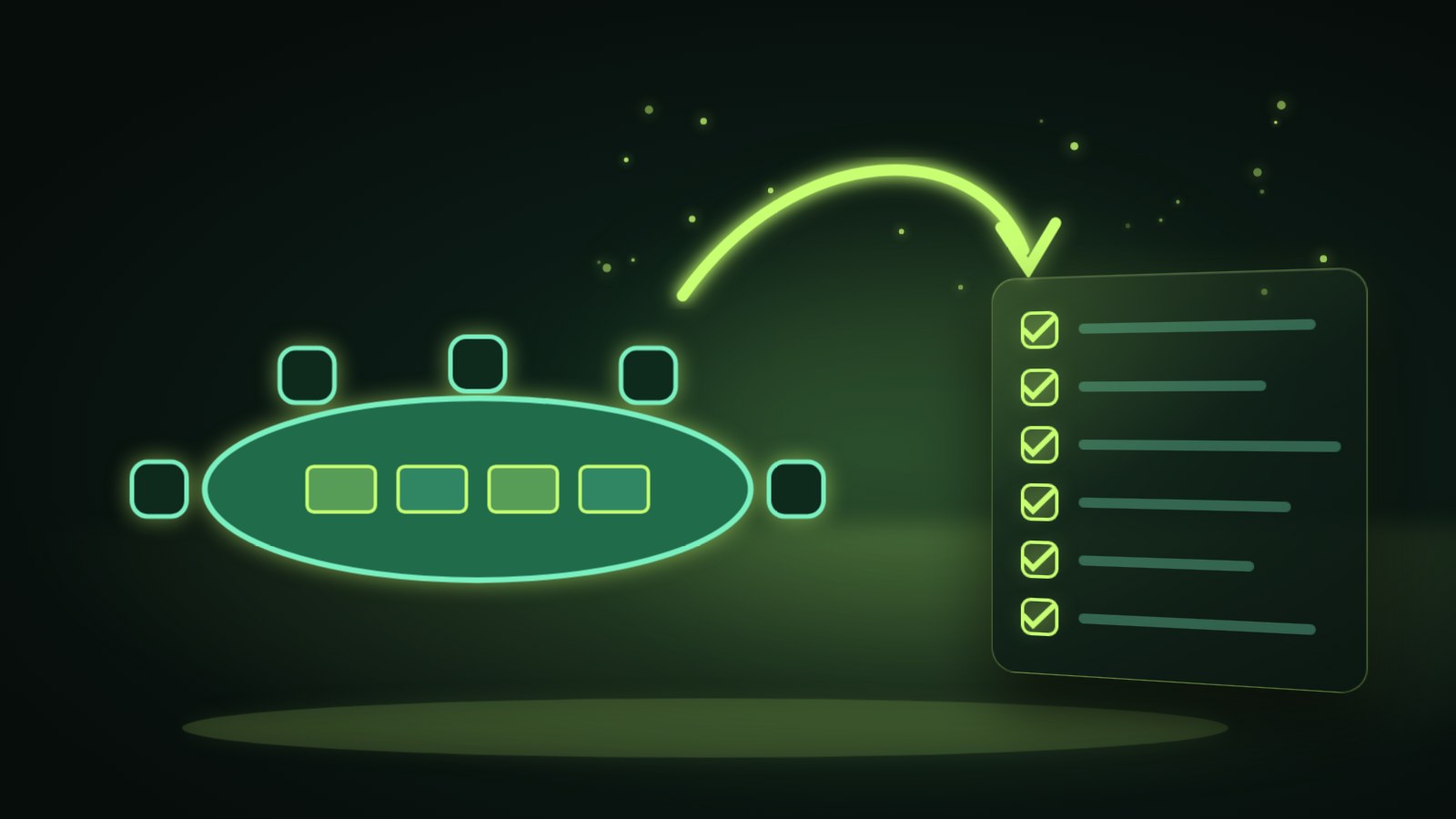
Meeting action items are the specific tasks agreed in a meeting, each with one owner, a clear verb-first task and a due date. They get done when they are captured before the meeting ends, shared within a day and tracked until closed. Loop Closer finds promises left in meetings, email, chat and CRM, shows the evidence and drafts the reply or task to close each one.
“Great meeting, let us follow up on that.” Everyone nods, nobody writes it down and two weeks later the client asks where the revised proposal is. Meeting action items are where most of a meeting’s value lives, and they are also where most of it leaks away. The fix is not more meetings. It is a simple habit for capturing, sharing and tracking every promise.
This guide shows how to write action items that get done, a 24-hour follow-up routine and a tracking table you can copy. It also shows how Loop Closer finds promises left behind in meetings, email, chat and your CRM, shows the proof and drafts the reply or task that closes each loop.
See Loop Closer Done-for-you setup · You approve every action
What are meeting action items?
Meeting action items are the concrete tasks agreed during a meeting, each with a single owner, a clear task and a due date. They turn discussion into progress. Without all three parts, an action item is only an intention, and intentions are what customers remember you forgetting.
The three-part action item
| Part | Weak version | Strong version |
|---|---|---|
| Owner | The team | Priya |
| Task | Look into the contract | Send the revised contract with the new start date |
| Date | Soon | By Thursday at noon |
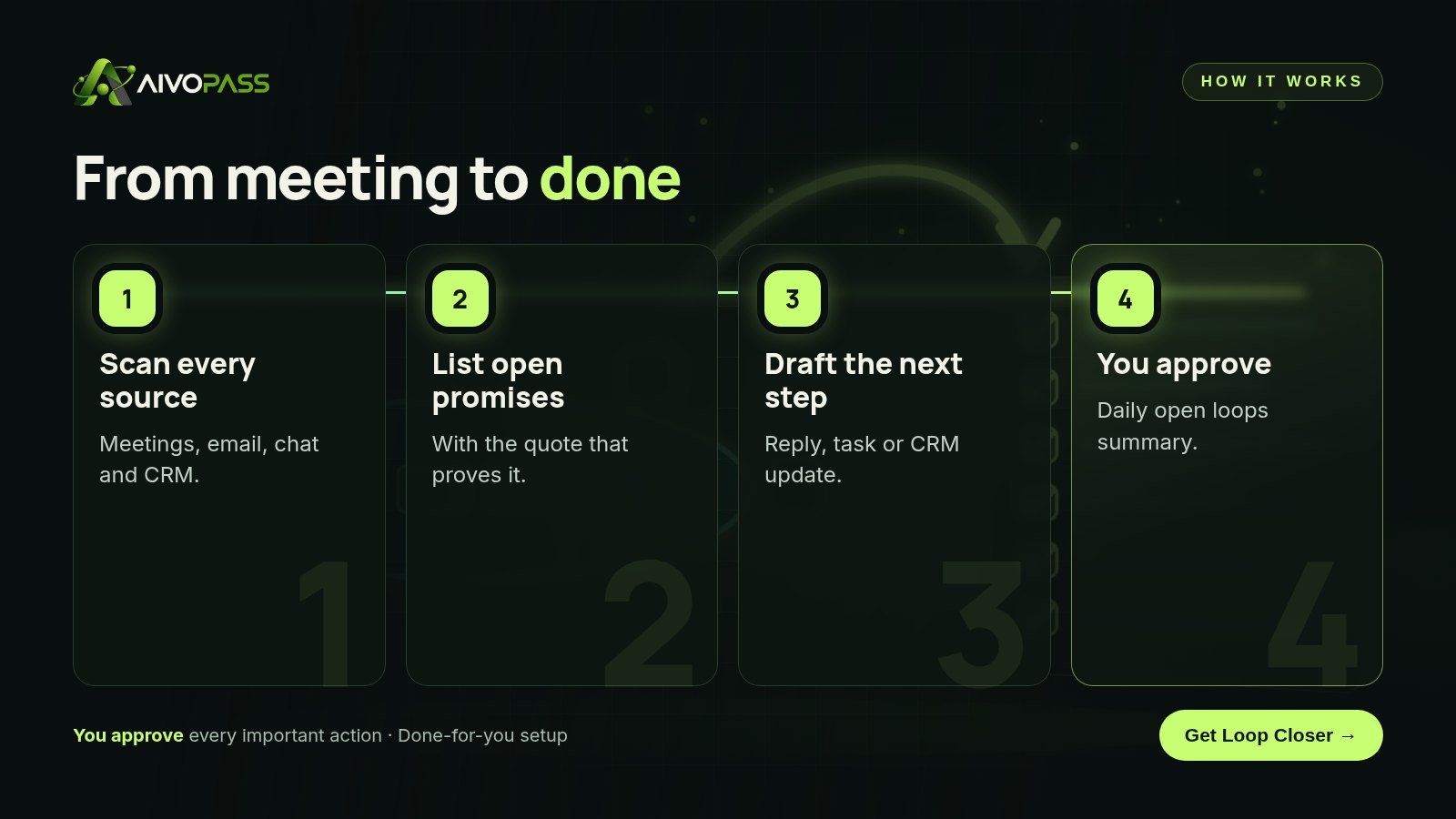
How Loop Closer works
- Scans meetings, email, chat and CRM for promises and follow-ups.
- Lists open promises with evidence, quoting where each was made.
- Drafts the reply or task needed to close it.
- Sends a daily open loops summary so nothing ages quietly.
Before and after
| Moment | Without a system | With Loop Closer |
|---|---|---|
| End of a client call | Vague next steps | Promises captured from the notes |
| Next morning | Notes sit in a document | Open loops listed with quotes |
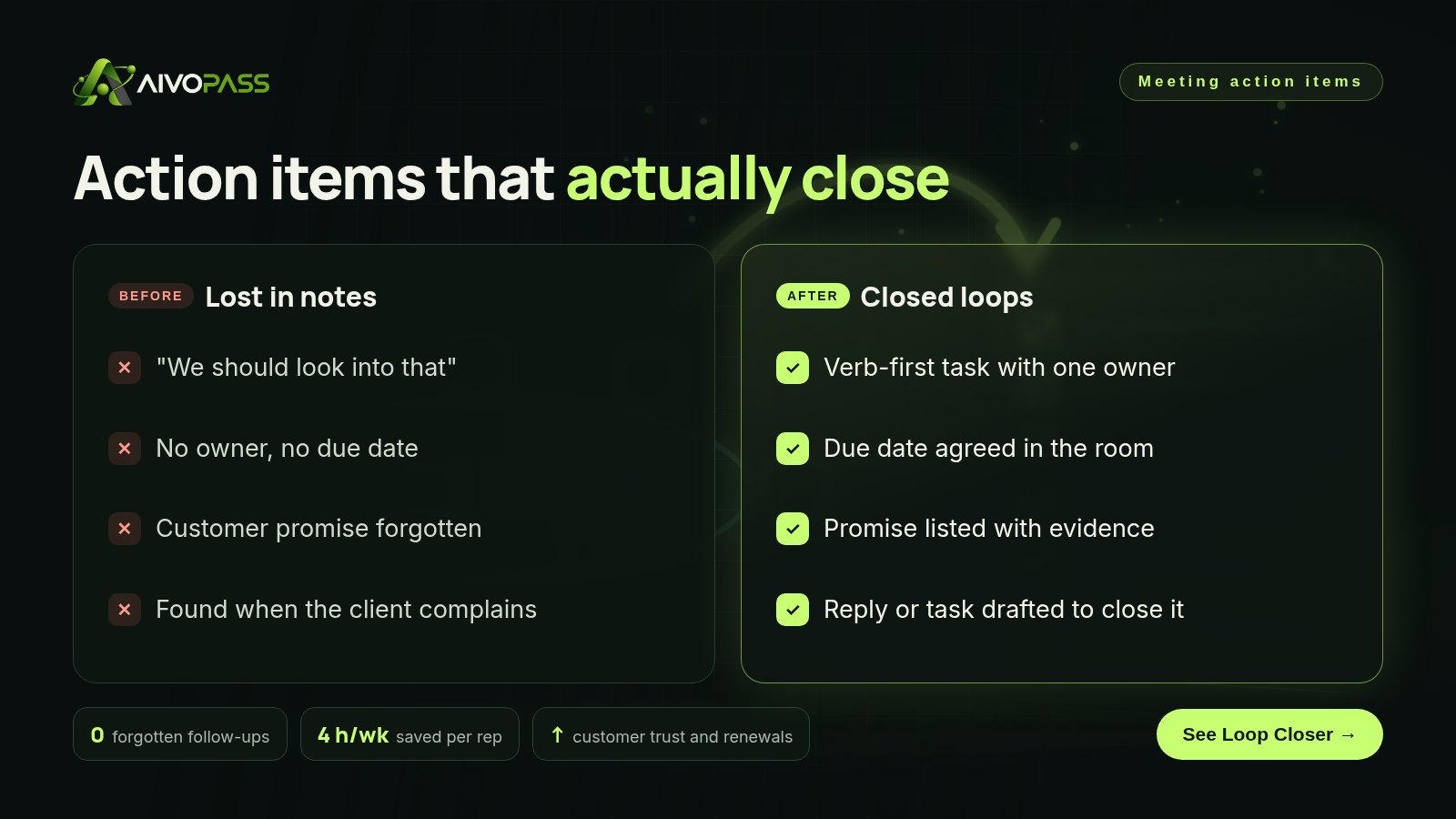
| A week later | Promise forgotten | Reply drafted, ready to approve |
| Renewal talk | Client remembers the misses | Client remembers you delivered |
A 24-hour follow-up routine
- Last five minutes of the meeting: read back each action item with owner and date.
- Within two hours: share a short recap with the action items at the top.
- Same day: add internal items to your task tool and customer items to the CRM.
- Next morning: check the open loops list and close anything quick.
- Before the next meeting: review what is done and what slipped.
Who it is for
Account managers
An account manager in Vancouver handles thirty clients and makes small promises on every call.
Customer success teams
A customer success team in Toronto wants every onboarding promise kept before renewal season.
Professional services firms
An accounting firm in Winnipeg discusses documents and deadlines with clients every day, in meetings and by email.
Results to expect
These figures are typical estimates, not guarantees. Results depend on your tools, volume and how quickly the team acts on the summary.
Example: an accounting firm in Winnipeg
A twelve-person accounting firm held dozens of short client meetings each week during tax season. Promises such as “we will send you the checklist for your rental income” were often made in passing and lost. With Loop Closer connected to their meeting notes, email and client management tool, each accountant received a morning list of open promises, each with a quote from the meeting or email where it was made and a drafted reply with the right attachment noted. The accountant checked it, adjusted where needed and sent it. Promises were closed within a day, and the partners noticed fewer “just following up” emails from clients.
Internal vs customer-facing action items
- Internal items belong in your task tool, with an owner and date.
- Customer-facing items also belong in the CRM, because they affect trust.
- Customer promises should be closed first; they are what clients remember.
- When an item will be late, tell the customer before the date, not after.
Mistakes to avoid
- Assigning items to “the team” instead of one person.
- Writing tasks without verbs, like “contract”.
- Leaving dates as “next week”.
- Sending the recap days later.
- Tracking internal tasks but not promises made to customers.
Safety and control
- Every reply, task or update is drafted for your approval.
- Each open loop shows the evidence, so you can check it.
- It uses only the email, chat, CRM and meeting access you grant.
- It does not delete or change records on its own.
- You can pause it or remove access at any time.
Loop Closer vs alternatives
| Option | Catches promises made in passing | Covers email and chat | Effort for you |
|---|---|---|---|
| Memory | Rarely | No | Mental load |
| Shared meeting notes | If written down | No | Someone must check them |
| Task tool | Only what is entered | Partly | Manual entry |
| Loop Closer | Yes, with evidence | Yes | Approving drafts |
How setup works
- Choose Loop Closer and check out securely.
- Tell us which tools hold your meetings, email, chat and customer records.
- We connect them with limited access and test on a recent week.
- Go live: a daily open loops summary with drafts ready to approve.
Related agents
Pair it with a call follow-up writer, a meeting recap deck or a customer call coach. Browse all sales AI agents or read more sales guides.
The bottom line
Meetings create promises; follow-through creates trust. Give every action item an owner, a task and a date, share it within a day and track it until it closes. Loop Closer catches the promises that slip through anyway, so no customer has to remind you.
Get Loop Closer Open loops found · Evidence shown · You approve every reply
Frequently asked questions
What makes a good meeting action item?
One owner, a specific task that starts with a verb and a due date. For example: "Priya sends the revised proposal to the client by Thursday."
Why do action items get forgotten?
They are often vague, have no single owner or date and stay buried in meeting notes. Promises made in passing, especially to customers, are the easiest to lose.
How does Loop Closer find action items?
It scans your meeting notes, email, chat, CRM and task tools for promises and follow-ups, lists each open one with the evidence and prepares what is needed to close it.
Does it send replies to customers on its own?
No. It drafts the reply, task or update and you approve it. You stay in control of everything customers receive.
Who is it best for?
Account managers, sales and customer success teams who make many small promises to customers every week.
See Loop Closer in action.
Finds promises, follow-ups and customer details left behind in meetings, email, chat, CRM and task tools, shows the proof and prepares the reply, task or update needed to close each loop.
We are the people who set up, connect and support AivoPass agents for businesses across Canada and beyond. Every guide is written from real setup work, reviewed by our specialists and updated when an agent changes.
- ✓ Done-for-you setup
- ✓ You approve every important action
- ✓ Secure PayPal checkout
- ✓ Built for Canadian businesses