
Talking-Head Video Tips for Business Owners: Film Once, Publish All Week
You do not need a studio to look and sound professional on video. These talking-head video tips cover the setup, what to say and how to turn one filming session into a week of polished shorts.
 AivoPass Editorial TeamReviewed by our agent setup specialists
Updated
Reading time4 min
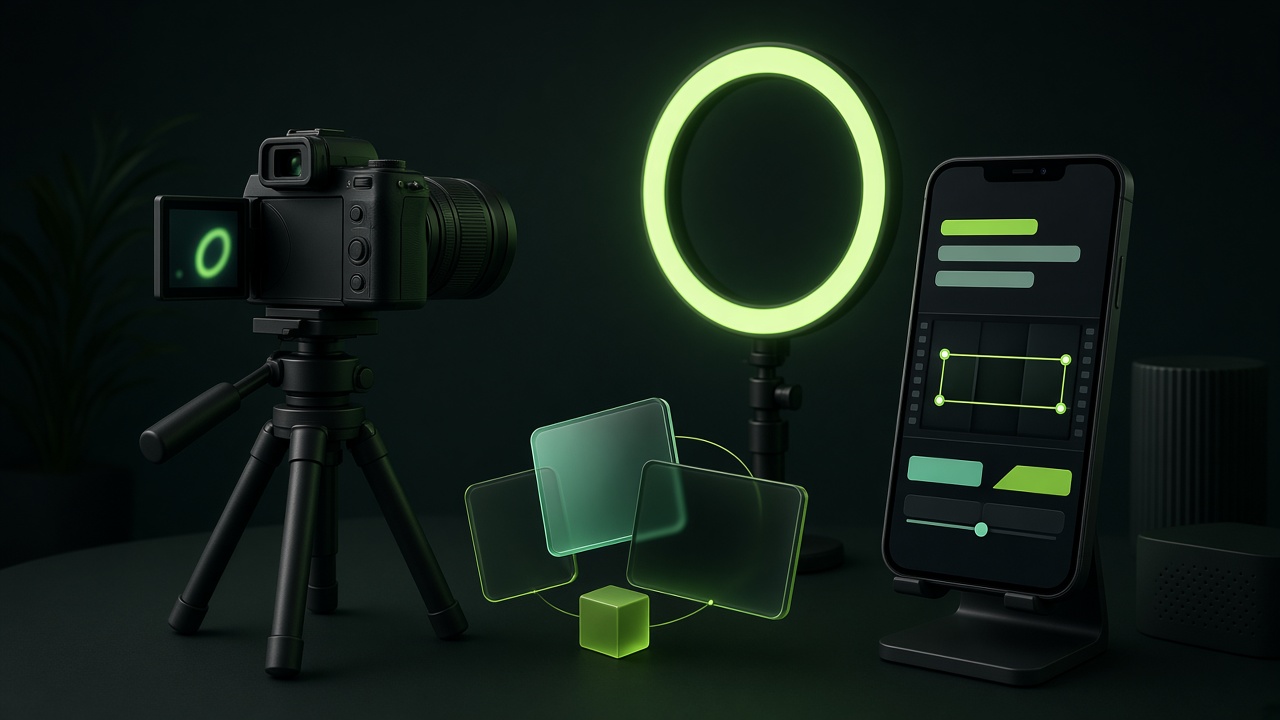
Good talking-head videos come from a simple setup (soft light facing you, a clip-on microphone, eye-level camera), a short hook-point-proof-ask script and batch recording. Talking-Head Video Editor then picks your best takes, adds accurate captions, B-roll, motion graphics and music, and sends you an edit plan to approve before cutting.
Short talking-head videos are one of the most effective ways for a business owner to build trust: people see your face, hear your voice and learn something useful in under a minute. The hard part is rarely the camera. It is the editing that follows. These talking-head video tips cover the whole workflow, from a simple setup to a week of finished shorts.
Follow the filming tips yourself, then hand the raw footage to Talking-Head Video Editor. It picks the best takes, adds captions, B-roll, motion graphics and music, and sends you an edit plan to approve before it cuts.
See Talking-Head Video Editor Done-for-you setup · You approve every action
What is a talking-head video?
A talking-head video is a video where one person speaks directly to the camera, usually framed from the chest up. For businesses, it is the simplest way to share expertise, answer customer questions and show the person behind the brand.
Tip 1: A simple setup that looks professional
- Light: face a window or a soft light; avoid bright windows behind you.
- Sound: a clip-on microphone matters more than the camera.
- Framing: camera at eye level, eyes about a third from the top, vertical format.
- Background: tidy and simple; a plant or shelf adds depth.
- Phone settings: clean the lens and lock focus and exposure on your face.
Tip 2: What to say in 45 seconds
- Hook: a question or surprising statement in the first three seconds.
- Point: one idea only.
- Proof: a quick example from your work.
- Ask: one clear next step, such as booking a call or visiting your site.
Tip 3: Batch record once a week
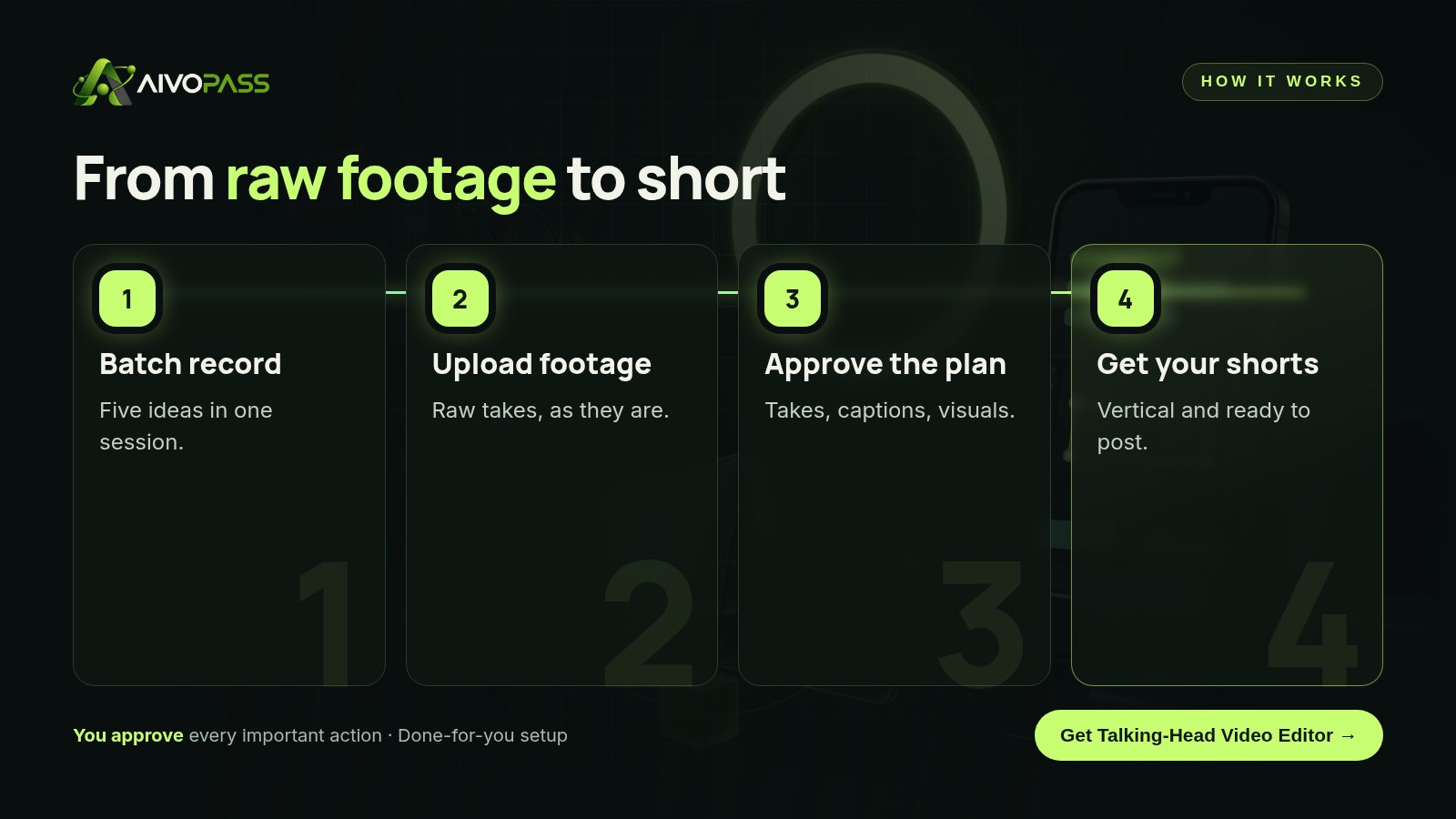
Write five short ideas, then record them back to back in a single 30-minute session. Do two or three takes of each and do not worry about small stumbles; the best take can be picked later. Batching is what turns video from an occasional project into a weekly habit.
How Talking-Head Video Editor handles the edit
- Picks the best takes automatically, removing false starts and long pauses.
- Adds accurate captions of what you actually said.
- Adds B-roll, motion graphics and music to keep viewers watching.
- Sends an edit plan for your approval before cutting.
Before and after
| Area | Editing it yourself | With Talking-Head Video Editor |
|---|---|---|
| Picking takes | Scrubbing through every clip | Best takes selected for you |
| Captions | Typed or fixed by hand | Accurate captions added |
| Visual interest | Plain talking clip | B-roll, graphics and music |
| Time per video | An evening of editing | About six hours saved per video, typical estimate |

Topic ideas by industry
| Business | Video idea | Ask at the end |
|---|---|---|
| Real estate agent | Three things buyers miss at a showing | Book a buyer consultation |
| Accountant | One receipt habit that saves stress at tax time | Download a checklist |
| Fitness coach | A five-minute desk stretch routine | Join a free class |
| Clinic or dentist | What to expect at a first visit | Book an appointment |
| Consultant | The most common mistake I see in client projects | Reply for a short call |
Who it is for
Coaches
A business coach in Toronto records five tips every Monday morning. By Tuesday she has approved the edit plans, and her shorts go out through the week.
Founders
A Vancouver founder explains product updates on camera. Captions and simple graphics help viewers who watch without sound.
Local professionals
A Montreal notary records short answers in French and English, then posts the bilingual clips to reach more of the city.
Results to expect
These figures are typical estimates, not guarantees. Results depend on your footage, topics, audience and how often you publish.
Mistakes to avoid
- Starting with “Hi, my name is” instead of a hook.
- Covering three ideas in one video.
- Bad sound; viewers forgive soft focus but not muffled audio.
- No captions, when many people watch on mute.
- Waiting for perfect conditions instead of recording weekly.
Safety and control
- You approve the edit plan before any cutting.
- Captions reflect what you actually said.
- Your footage is used only to produce your videos.
- You decide what gets published and where.
Talking-Head Video Editor vs alternatives
| Option | Your time | Consistency | Polish |
|---|---|---|---|
| Editing apps on your phone | High | Low, when you are busy | Basic |
| Freelance video editor | Low | Depends on availability | High |
| Posting raw clips | Low | Medium | Low |
| Talking-Head Video Editor | Low | High, every week | High, approved by you |
How setup works
- Choose Talking-Head Video Editor and check out securely.
- Share your brand style, caption preferences and where you post.
- Upload your first raw footage and review the edit plan together.
- Go live: send raw takes each week and receive polished shorts.
Related agents
Pair your videos with an agent that finds trending topics, one that turns customer results into proof stories or one that makes your writing sound natural. Browse all marketing AI agents or read more marketing guides.
The bottom line
Great talking-head videos need good light, clear sound, one idea and a weekly habit. Use these tips to film with confidence, then let Talking-Head Video Editor turn your raw takes into polished shorts so you can publish all week.
Get Talking-Head Video Editor Best takes · Accurate captions · Edit plan approved by you
Frequently asked questions
What equipment do I need for a talking-head video?
A recent phone, a clip-on microphone and soft light facing you, such as a window or a small LED panel. A simple tripod at eye level keeps the framing steady.
How long should a talking-head short be?
For most social platforms, 30 to 60 seconds works well: one hook, one point, one example and one clear next step.
What does Talking-Head Video Editor do?
It picks the best takes, adds accurate captions of what you said, B-roll, motion graphics and music, and sends you an edit plan for approval before it cuts the video.
Do I have to approve every edit?
You approve the edit plan before cutting, so the result matches your message and brand. You stay in control of what gets published.
Who is it for?
Coaches, creators, founders and personal brands who film regularly but do not have time to edit.
See Talking-Head Video Editor in action.
Edits short vertical talking-head videos: picks the best takes, adds accurate captions, B-roll, motion graphics and music. Sends you an edit plan for approval before cutting.
We are the people who set up, connect and support AivoPass agents for businesses across Canada and beyond. Every guide is written from real setup work, reviewed by our specialists and updated when an agent changes.
- ✓ Done-for-you setup
- ✓ You approve every important action
- ✓ Secure PayPal checkout
- ✓ Built for Canadian businesses


