
Lower Your App Store Ads Cost Per Install: A Weekly Review Checklist for App Marketers
App store search ads can quietly drift away from your cost-per-install target. This weekly checklist shows what to review, and how an assistant can draft the changes without ever touching your account.
 AivoPass Editorial TeamReviewed by our agent setup specialists
Updated
Reading time5 min

To lower your app store ads cost per install, review spend against your target every week, pause or lower bids on keywords that miss it and move budget to the ones that hit it. The App Store Ads Reviewer does this review from your ads reports and drafts keyword, bid and budget changes for you to apply. It is read-only and never touches your account.
Search ads in the app stores are one of the most direct ways to win installs, but they rarely stay efficient on their own. Competitors change bids, new keywords appear and a campaign that was on target last month slowly drifts. Keeping your app store ads cost per install under control comes down to one habit: a disciplined weekly review.
Below is the checklist experienced app marketers follow, a comparison of the ways to run it, and how the App Store Ads Reviewer prepares the whole review for you without ever touching your account.
See the App Store Ads Reviewer Done-for-you setup · You approve every action
What is app store ads cost per install?
App store ads cost per install is the average amount you spend on search ads to win one new install of your app. It is calculated by dividing ad spend by installs for a keyword, ad group or campaign. Comparing it with your own target tells you where ads are working and where they are wasting budget.
What the App Store Ads Reviewer does
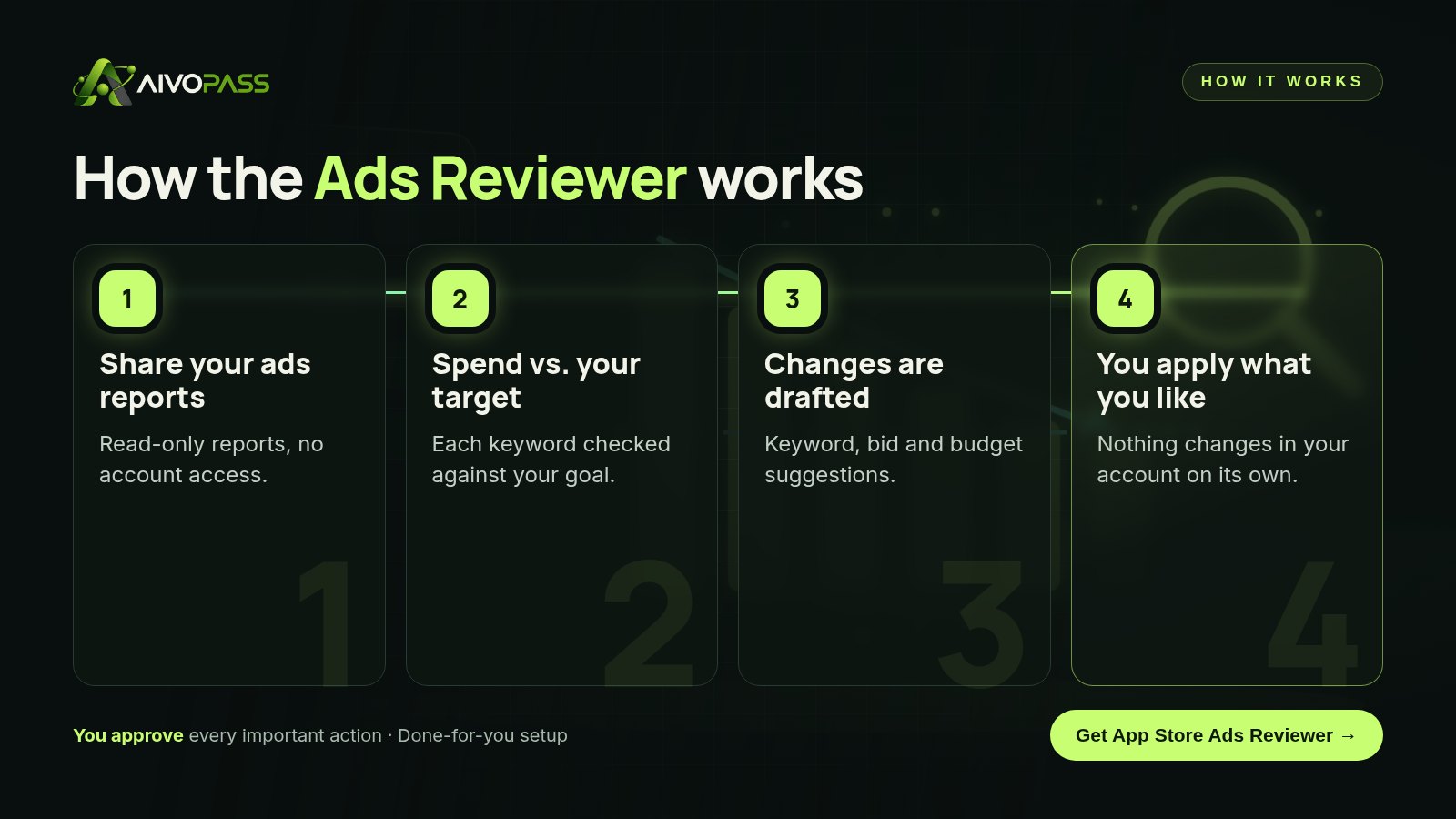
- Compares spend with your cost-per-install target at campaign, ad group and keyword level.
- Suggests keyword, bid and budget changes, each with a short, plain-English reason.
- Sends a clear weekly review you can read in minutes.
- Stays read-only and safe: it works from your reports and never changes your account.
The weekly app store ads review checklist
1. Check overall spend against your target
Start with the big picture: did total cost per install move up or down this week, and in which countries? A small drift caught early is easy to fix.
2. Find keywords that spend but do not convert
Look for keywords with meaningful spend and few or no installs. These are usually the fastest wins: lower the bid, pause them or add them as negatives.
3. Reward keywords that beat your target
Keywords comfortably under target often deserve a higher bid or more budget, because they are proven to bring installs efficiently.
4. Review search terms for new ideas and negatives
The actual search terms that triggered your ads reveal new keywords to add and irrelevant ones to block.
5. Rebalance budgets between campaigns
Move budget from campaigns that are struggling to those that are hitting target, instead of spreading it evenly.
6. Write down what you changed and why
A short change log makes next week’s review faster and shows which decisions actually worked.
Before and after
| Part of the review | Done by hand | With the App Store Ads Reviewer |
|---|---|---|
| Pulling the numbers | Exporting and cleaning spreadsheets | Done from your reports automatically |
| Spotting weak keywords | Easy to miss in long lists | Flagged against your target |
| Deciding changes | Gut feel on busy weeks | Drafted with a reason for each |
| Applying changes | You | Still you, only what you agree with |
| Time each week | Often three hours or more | A short read and a few clicks |

Who it is for
Indie and small game studios
A three-person game studio in Montreal runs search ads in Canada, the US and France. Nobody has time for a weekly deep dive, so the reviewer’s summary lands every Monday and the team applies the top changes in fifteen minutes.
Mobile marketers at growing apps
A fitness app team in Vancouver manages dozens of keywords across several countries. The weekly review keeps every market measured against the same target, in each market’s own context.
Agencies managing several apps
A Toronto agency runs search ads for six client apps. The reviewer prepares a consistent weekly report for each, so account managers spend their time on strategy and client conversations.
Results to expect
These figures are typical estimates, not guarantees. Results depend on your app, category, competition, countries and which suggested changes you choose to apply.
Common mistakes that push cost per install up
- Bidding the same on every keyword regardless of results.
- Leaving broad match running without checking search terms.
- Reviewing only once a month, when drift is already expensive.
- Judging keywords on clicks instead of installs.
- Forgetting country differences: a target that works in Canada may not fit every market.
- Changing too many things at once, so you cannot tell what worked.
Safety and control
- Read-only: works from your ads reports and never changes your account.
- Every suggestion includes a reason, so you can judge it quickly.
- You decide what to apply, when and how much.
- Minimum access: report exports or read-only report access only.
- Access can be revoked at any time.
App Store Ads Reviewer vs other review options
| Option | Effort each week | Consistency | Account risk | Best for |
|---|---|---|---|---|
| Reviewing reports yourself | High | Depends on your week | None | Marketers with spare time |
| Automated bidding rules | Low once set up | High but rigid | Changes happen without review | Large, stable campaigns |
| Outsourcing to a freelancer | Medium | Varies by person | Needs account access | Teams that want hands-off |
| App Store Ads Reviewer | Low, a short read | Every week, same target | None, read-only | Studios and app marketers |
How setup works
- Choose the App Store Ads Reviewer and check out securely.
- Share your cost-per-install target, key countries and how you export your ads reports.
- We connect the reports, run a first review with you and adjust the format.
- Your weekly review starts, usually within a few business days.
Related agents
Grow beyond search ads with these assistants. Browse all AI marketing agents or read more marketing guides.
The bottom line
Lowering your app store ads cost per install is less about clever tricks and more about reviewing consistently and acting on clear evidence. The App Store Ads Reviewer does the weekly analysis and drafts the changes; you keep full control of your account and apply only what makes sense to you.
Get the App Store Ads Reviewer Read-only · You apply every change
Frequently asked questions
What does the App Store Ads Reviewer do?
It reviews your app store search ads reports every week, compares spend and results with your cost-per-install target, and drafts specific keyword, bid and budget changes with a short reason for each. You decide what to apply.
Does it change anything in my ads account?
No. It is read-only and works from your reports. It never logs in to change bids, budgets or keywords, so there are zero account changes without you.
What is a cost-per-install target?
It is the most you are comfortable spending, on average, to win one new install. The reviewer uses your target as the yardstick for every keyword and campaign.
What do I need to get started?
Your app store search ads reports, your cost-per-install target and a short note on which countries and campaigns matter most. A regular export or read-only report access is enough.
Is it a good fit for small studios?
Yes. It is built for mobile app marketers and studios of any size, especially small teams that do not have a full-time person to watch search ads every week.
See App Store Ads Reviewer in action.
Reviews your app store search ads against your cost-per-install target and drafts the keyword, bid and budget changes for you to apply. Never touches your account.
We are the people who set up, connect and support AivoPass agents for businesses across Canada and beyond. Every guide is written from real setup work, reviewed by our specialists and updated when an agent changes.
- ✓ Done-for-you setup
- ✓ You approve every important action
- ✓ Secure PayPal checkout
- ✓ Built for Canadian businesses


