
Internal Wiki vs AI Knowledge Assistant: Which Helps Your Team Find Answers?
Your team already has a wiki, a shared drive and a few people who know everything. So why do the same questions keep coming back? Here is how a wiki and an AI knowledge assistant compare, and when you need both.
 AivoPass Editorial TeamReviewed by our agent setup specialists
Updated
Reading time4 min
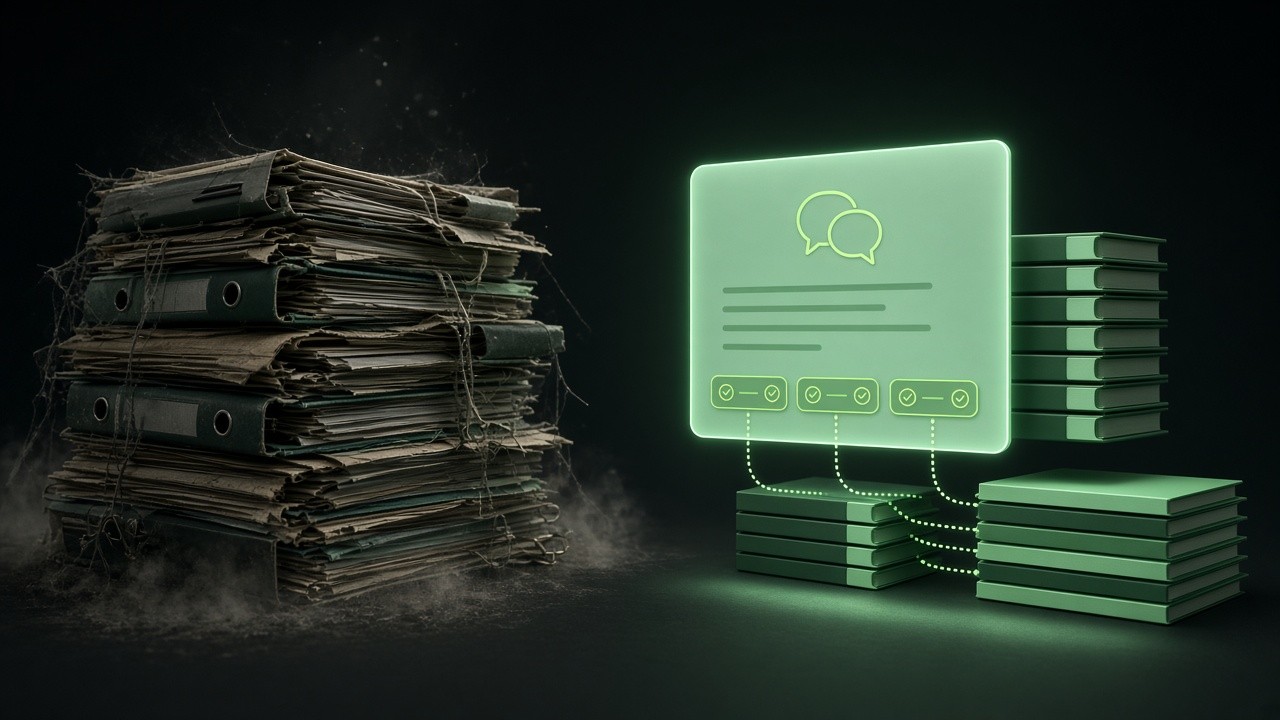
An internal wiki stores your company knowledge; an AI knowledge assistant answers questions from it. A wiki needs people to search, read and interpret pages. Company Knowledge Assistant reads your live documents, replies in your team chat within seconds, cites every source and says “I don’t know” rather than guessing, so the wiki finally gets used.
Most growing companies try to fix the “where is that document?” problem with a wiki. A year later, the wiki has hundreds of pages, the search box returns a dozen near-matches, and people go back to messaging the one colleague who knows. Comparing an internal wiki vs AI knowledge assistant is really about one question: how fast does a person get a trustworthy answer?
This guide compares four common ways teams find answers, shows where a wiki still shines and explains how Company Knowledge Assistant turns your existing documents into cited answers in your team chat.
See Company Knowledge Assistant Done-for-you setup · You approve every action
What is the difference between an internal wiki and an AI knowledge assistant?
An internal wiki is a library: a set of pages your team writes and maintains. An AI knowledge assistant is a librarian: it reads that library and answers a specific question in plain words, with a link to the page it used. The wiki stores knowledge; the assistant delivers it at the moment someone needs it.
Four ways teams find answers today
1. Wiki or intranet search
Good when people know the exact term to search for and have time to read. It struggles when pages overlap, titles are vague or the answer is buried halfway down a long page.
2. Shared drives and folders
Familiar and flexible, but the newest version of a document is often a mystery. Many teams have three files called “final” for the same policy.
3. Asking a colleague
Fast for the person asking and slow for everyone else. Experts lose focus, answers vary from person to person, and new hires stop asking after the third time.
4. A cited AI knowledge assistant
People ask in the chat they already use and get a short answer with its source in seconds. If the documents do not cover the question, it says so instead of guessing.
How Company Knowledge Assistant works
- Answers from your own documents: docs, help centre or knowledge base.
- Every answer cites its source, so people can check and read more.
- Works in your team chat, where questions are already asked.
- Says “I don’t know” instead of inventing an answer.

Side-by-side comparison
| What matters | Wiki search | Shared drive | Ask a colleague | AI knowledge assistant |
|---|---|---|---|---|
| Time to an answer | Minutes of reading | Minutes of hunting | Whenever they reply | Seconds |
| Trust in the answer | High if page is current | Unclear which version | Depends on the person | High, with source link |
| Interruptions | None | None | Many | None |
| Upkeep | Writing and pruning pages | Naming discipline | Expert time | Keep docs current |
| Works for new hires | If they know what to search | Rarely | Until they feel awkward | Yes, ask anything |

When a wiki alone is still enough
- Your team is small and everyone sits together.
- Questions are rare and mostly about a few well-known pages.
- Nobody is losing focus time answering the same thing twice.
Once you hear the same question three times in a week, or new hires take a month to stop asking basics, a wiki alone is no longer enough.
Who it is for
Support teams
A support lead in Toronto gives agents instant, cited answers on product details, so customers get consistent replies on every shift.
Sales teams
A Montreal sales rep checks a feature or policy in the middle of a deal without waiting for a product manager, in English or French.
Onboarding and operations
An operations manager in Calgary lets new hires ask about processes freely, without pulling seniors away from their work.
Results to expect
These figures are typical estimates, not guarantees. Results depend on how complete and current your documents are.
Example: a Halifax software support team
A twelve-person support team had a well-organised wiki, yet two senior agents spent hours each week answering the same internal questions in chat. After connecting the wiki and help centre, questions went to the assistant first. Most got a cited answer within seconds. The ones it could not answer were collected into a weekly list, which became the team’s documentation to-do list. Within a few weeks the senior agents had their afternoons back and the wiki had fewer gaps than ever.
Five questions to choose your approach
- Do the same questions come up every week?
- Do experts lose time answering in chat?
- Do new hires take weeks to get up to speed?
- Do people distrust what they find in search?
- Is your knowledge spread across several tools?
Two or more “yes” answers usually mean your wiki needs an assistant in front of it.
Safety and control
- Answers only from the sources you connect.
- Minimum access needed, read-only where possible.
- Every answer links its source for checking.
- Revoke access at any time.
How setup works
- Choose Company Knowledge Assistant and check out securely.
- Tell us which documents and team chat to use.
- We connect them and test real questions with your team.
- Go live: cited answers in your chat.
Related agents
Prepare for customer calls, start each day with a business briefing or build sourced account research. Browse all sales AI agents or read more sales guides.
The bottom line
In the internal wiki vs AI knowledge assistant debate, the best answer is usually both: the wiki keeps knowledge organised, and the assistant gets it to people in seconds with a source attached. Company Knowledge Assistant makes the documents you already have finally pay off.
Get Company Knowledge Assistant Cited answers · Team chat · No guessing
Frequently asked questions
Does an AI knowledge assistant replace our internal wiki?
No. The wiki stays the place where knowledge is written and owned. The assistant reads it and turns it into quick, cited answers in your team chat.
How does it avoid making things up?
It answers only from your connected documents, links the source for every answer and says “I don’t know” when the documents do not cover the question.
What if our wiki is out of date?
The assistant reads the live pages, so updates show up in answers right away. Questions it cannot answer also show you which pages are missing or stale.
How long does setup take?
Usually a few days: we connect your docs or help centre, test real questions with your team and then turn it on in your chat.
Who sees what?
It only uses the sources you connect, with the minimum access needed, and you can revoke that access at any time.
See Company Knowledge Assistant in action.
Answers product and how-to questions from your live documentation and connected knowledge sources, always with citations, so your team gets trustworthy answers fast.
We are the people who set up, connect and support AivoPass agents for businesses across Canada and beyond. Every guide is written from real setup work, reviewed by our specialists and updated when an agent changes.
- ✓ Done-for-you setup
- ✓ You approve every important action
- ✓ Secure PayPal checkout
- ✓ Built for Canadian businesses


