
Game Art Style Guide: How Indie Studios Keep Every Sprite Looking Like One Game
Most indie games do not look inconsistent because of bad art. They look inconsistent because there was never a written style. A game art style guide fixes that before drift creeps in.
 AivoPass Editorial TeamReviewed by our agent setup specialists
Updated
Reading time4 min
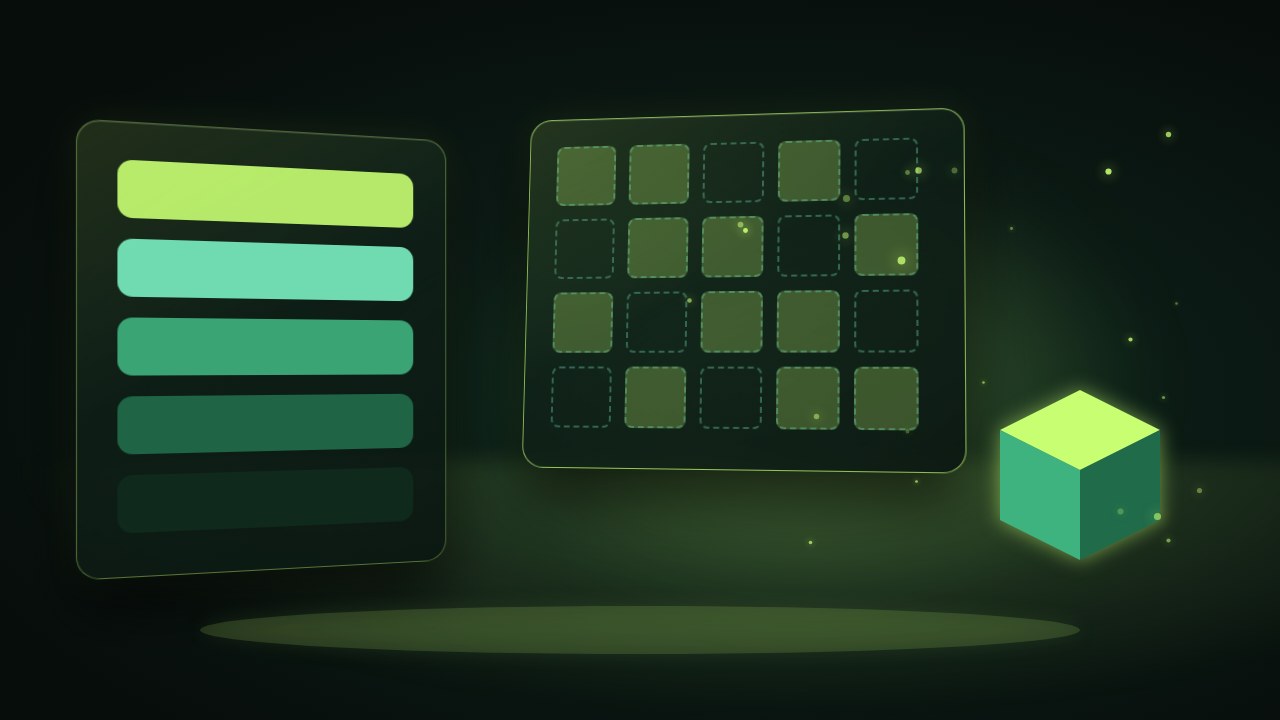
A game art style guide is a reference that defines your game’s palette, shapes, proportions and pixel grid so every asset matches. The Game Art Director turns your concept into that guide, adds prompt sheets for image tools, slices sprite sheets and checks new art for colour and grid drift, while you approve every decision.
Your first ten sprites look great. Then a contractor joins, an image tool produces a slightly different green, and by the second level the forest, the hero and the menu buttons look like three different games. A game art style guide is the cheapest insurance an indie studio can buy against that slow drift.
This guide explains what belongs in one, how inconsistency sneaks in, and how the Game Art Director builds and enforces the guide for you, from concept to sprite sheet.
Meet the Game Art Director Done-for-you setup · You approve every action
What is a game art style guide?
A game art style guide is a short, visual rulebook that defines the colours, shapes, proportions, outlines, lighting and pixel grid of your game. Anyone who makes an asset, whether a human artist or an image generator, follows it, so every new piece looks like it belongs to the same world.
What the Game Art Director does
- Style guide and colour palettes: a clear palette with roles (background, hero, danger, interface) and rules for shapes and outlines.
- Prompt sheets for image generators: tested prompt wording that reproduces your look instead of a random new one.
- Sprite sheet slicing: cuts sheets into clean, consistently sized frames ready for your engine.
- Consistency checks on new art: flags colours outside the palette and sprites that drift off the grid.
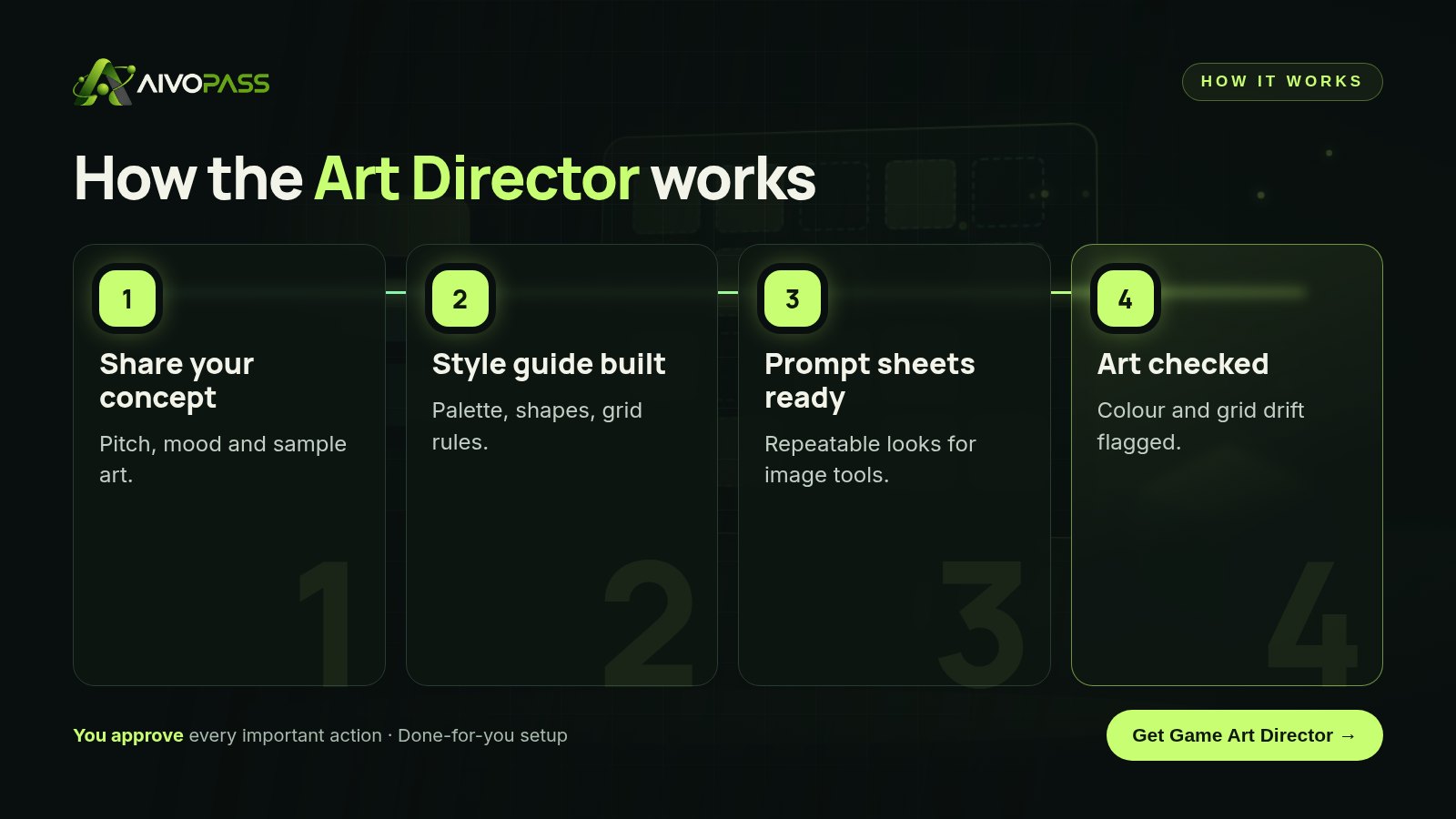
Before and after
| Art task | Without a guide | With the Game Art Director |
|---|---|---|
| Choosing colours | Each artist picks by eye | Shared palette with named roles |
| Using image tools | New look every prompt | Prompt sheets that repeat the style |
| Sprite sheets | Sliced by hand, sizes vary | Sliced to one frame size |
| Reviewing new art | Problems found at the end | Colour and grid drift flagged early |
| Onboarding a contractor | Long calls and examples | Send the guide and go |
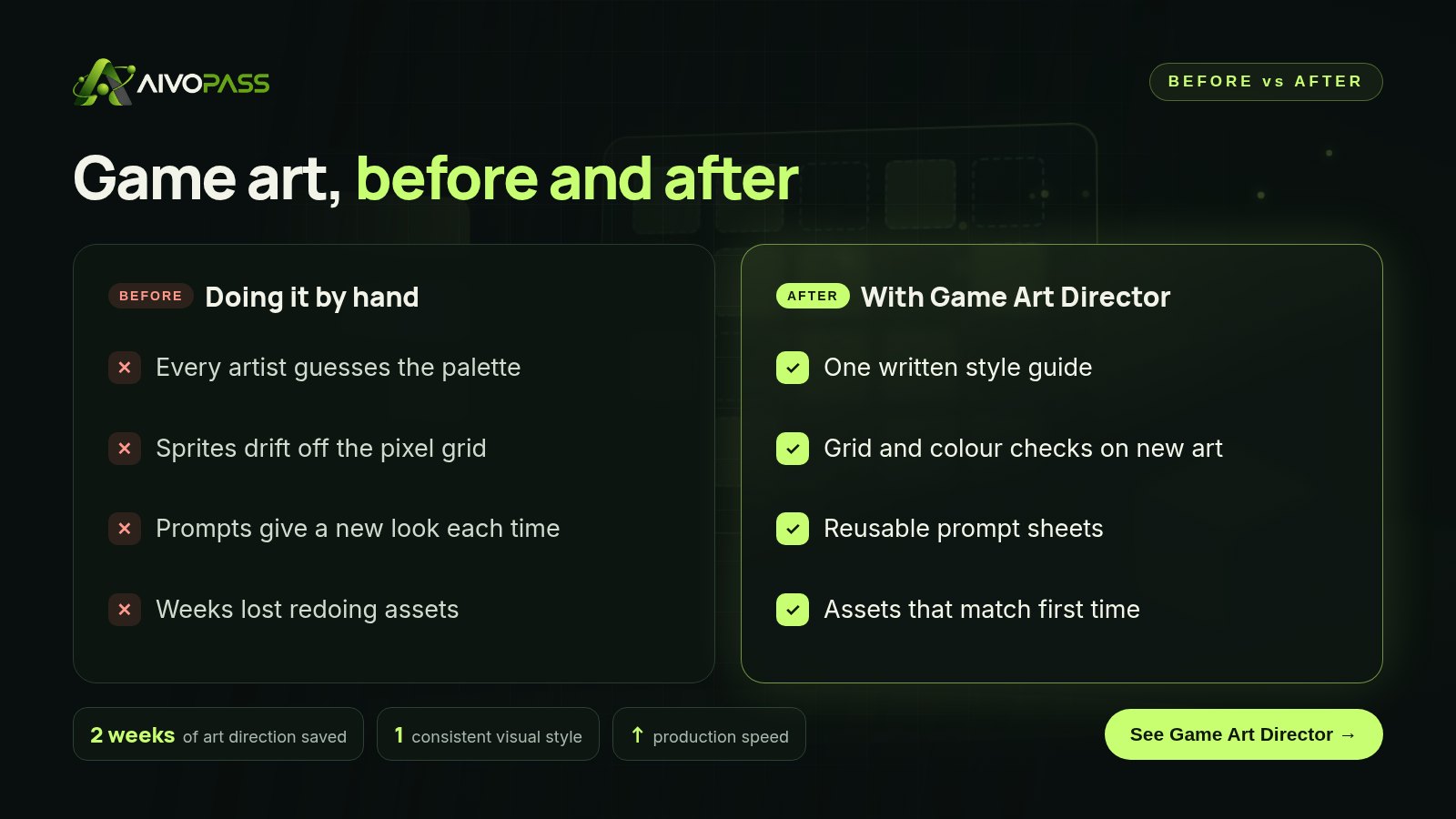
What to put in your game art style guide
- Mood in one sentence. For example “cozy, rainy harbour town at dusk”. Every later choice should support it.
- Palette with roles. Five to twelve colours, each with a job, plus rules for shadows and highlights.
- Shape language. Round and soft for friendly, sharp and angular for threats.
- Grid and scale. Tile size, character height in pixels and how many frames an animation uses.
- Outline and lighting rules. Line thickness, light direction and whether outlines are coloured or dark.
- Do and do-not examples. Two or three approved assets beside rejected ones.
Who it is for
Solo developers
A solo developer in Winnipeg building a pixel-art farming game mixes hand-drawn sprites with generated backgrounds. With a palette and prompt sheet, the backgrounds finally match the characters instead of fighting them.
Small indie studios
A four-person studio in Montreal brings in freelance artists for each update. Sending the style guide on day one replaces hours of explaining and cuts the number of assets that need a redo.
Game jam and prototype teams
A team in Vancouver prototyping for a weekend jam needs a look fast. A quick guide lets everyone draw in parallel without the final build looking stitched together.
Results to expect
These figures are typical estimates, not guarantees. Results depend on how much art your game needs and how closely new assets follow the guide.
Your first 30 days with a style guide
Week one: share your concept and sample art, answer a few questions about mood and genre, and review the first palette. Week two: approve the full guide and test the prompt sheets on two or three assets you actually need. Week three: run your existing sprites through the consistency check and fix the worst offenders first, usually the hero and the interface. Week four: make the guide part of every brief you send, so each new asset is checked before it reaches the build.
Safety and control
- You approve the palette, the guide and every change to it.
- It reviews and suggests; it never overwrites your files.
- It only uses the concept and art you choose to share.
- Your art and guide stay yours.
- Access can be removed at any time.
Game Art Director vs alternatives
| Option | Speed | Consistency | Works with image tools |
|---|---|---|---|
| Winging it | Fast at first | Low, drifts over time | Random results |
| Hiring a full-time art director | Slow to hire | High | Depends on the person |
| Mood board only | Fast | Medium, open to interpretation | Rarely |
| Game Art Director | Fast | High, checked on every asset | Yes, with prompt sheets |
How setup works
- Choose the Game Art Director and check out securely.
- Answer a short set of questions and share your concept and sample art.
- We build and test your style guide, palettes and prompt sheets with you.
- Go live: send new art for consistency checks whenever you need them.
Related agents
Get ranked fixes on a screen, turn designs into build-ready specs or describe your images for accessibility. Browse all AI design agents or read more design guides.
The bottom line
Players forgive small art, but they notice mismatched art straight away. A game art style guide, enforced on every new sprite, keeps your world believable as the team and toolset grow. The Game Art Director builds that guide from your concept and keeps watch, so you can spend your time making the game.
Get the Game Art Director Style guide · Prompt sheets · Drift checks
Frequently asked questions
What is a game art style guide?
It is a reference document that sets your palette, shape language, proportions, outlines and pixel grid, so everyone making art for the game produces assets that look like they belong together.
Does the Game Art Director make the final art for me?
It directs rather than replaces your artists. It builds the guide and prompt sheets, slices sprite sheets and reviews new art. You and your team decide what is final, and nothing is changed without your approval.
What do I need to get started?
Your game concept and a handful of sample images, sketches or reference art. A short pitch about genre, mood and audience helps the guide fit your game.
How long does setup take?
Usually a few business days from the questions to your first style guide and prompt sheets, depending on how much sample art you have.
Is it a good fit for pixel art and 2D games?
Yes. It is built for indie studios and solo developers, and works especially well for 2D, pixel and stylised games where palette and grid consistency matter most.
See Game Art Director in action.
Turns your game concept into a style guide, colour palettes and prompt sheets for image tools, slices sprite sheets and checks your art for colour and grid drift.
We are the people who set up, connect and support AivoPass agents for businesses across Canada and beyond. Every guide is written from real setup work, reviewed by our specialists and updated when an agent changes.
- ✓ Done-for-you setup
- ✓ You approve every important action
- ✓ Secure PayPal checkout
- ✓ Built for Canadian businesses


