
Buying Signals Examples by Industry: What to Watch and When to Reach Out
A buying signal is only useful if you recognise it in time. Here are concrete buying signals examples for four industries, how strong each one is and how to reach out without sounding like a robot.
 AivoPass Editorial TeamReviewed by our agent setup specialists
Updated
Reading time5 min

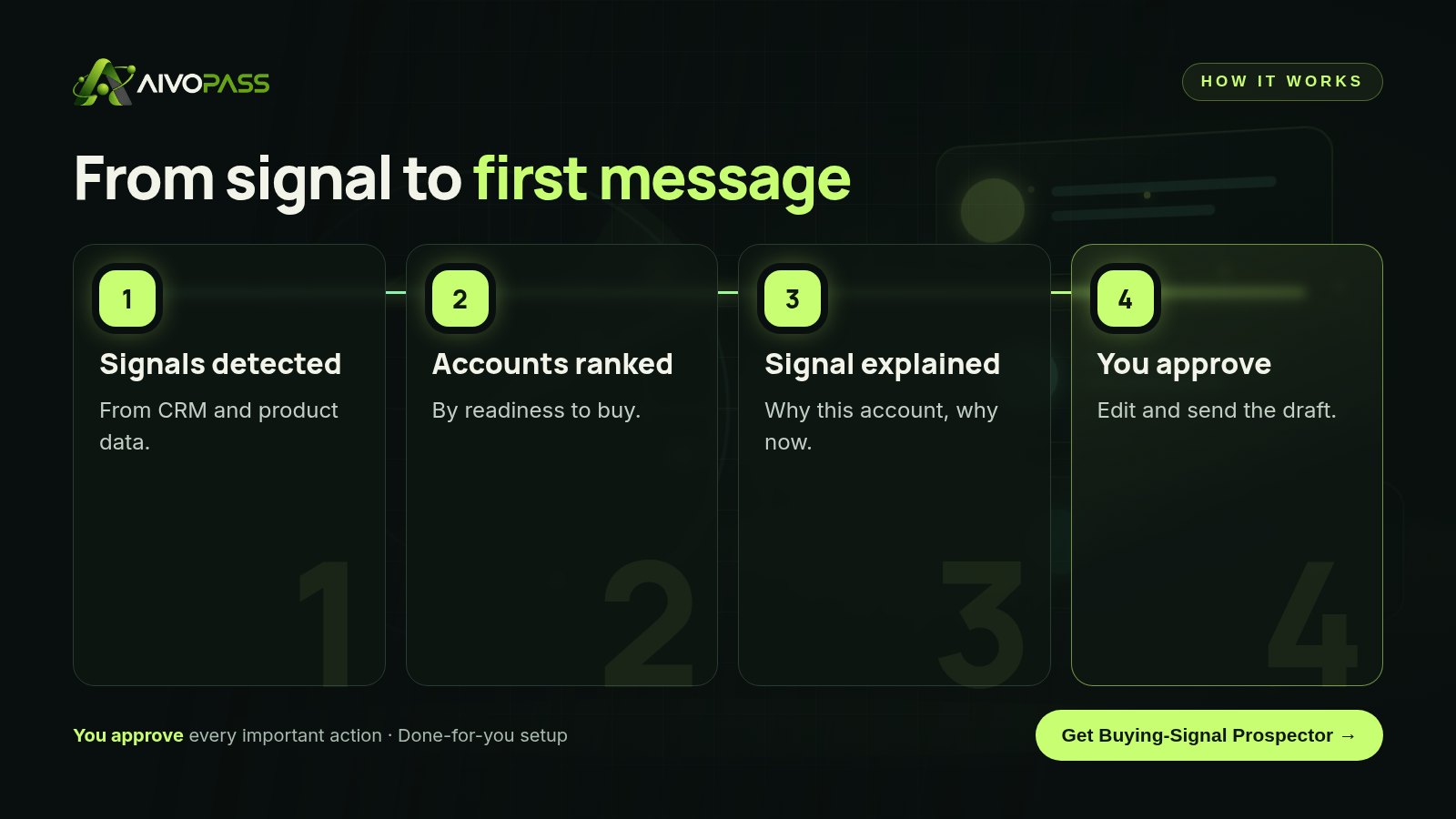
Buying signals are actions that show a prospect is getting ready to buy, such as repeat visits to key pages, a product trial hitting its limits or a new decision maker joining. Buying-Signal Prospector finds these signals in your CRM and product data, ranks accounts, explains each signal and drafts a first message for your approval.
Every sales team says it wants to reach out “at the right time”. The trouble is that the right time leaves clues in places nobody checks every day: product data, CRM notes, sign-up lists. These buying signals examples, grouped by industry, show what to watch for, how strong each signal is and how fast you should act on it.
We also explain how Buying-Signal Prospector spots these signals in your own data each day, ranks accounts by readiness and drafts the first message for your approval, so your team spends its time on conversations instead of digging.
See Buying-Signal Prospector Done-for-you setup · You approve every action
What is a buying signal?
A buying signal is an action or change that shows a prospect or customer is moving closer to a purchase decision. It can be behaviour, such as using a product more, or a change at the company, such as a new leader or a new team. One signal is a hint; several together are a reason to reach out.
Buying signals examples by industry
SaaS and software
- A free trial account hits a usage limit in its first week.
- Three or more people from the same company sign up within days.
- A customer opens the plans page or upgrade settings several times.
- An inactive account logs back in and invites teammates.
Professional services (accounting, legal, consulting)
- A past client downloads a guide about a service they do not use yet.
- A prospect replies to a newsletter with a question.
- A contact moves to a new firm that fits your ideal client profile.
- Several visits to your “how we work” or onboarding page.
Manufacturing and industrial suppliers
- A distributor requests specification sheets for a new product line.
- Order frequency from an account rises for two months in a row.
- A buyer asks about lead times or larger volumes.
- A customer opens a new facility or location.
Agencies and creative studios
- A past client announces a rebrand, launch or new funding.
- A prospect returns to your case studies more than once.
- A new marketing leader joins a target company.
- A client asks about a service outside the current scope.
How strong is each signal?
| Signal | Strength | Suggested timing |
|---|---|---|
| Trial hitting usage limits | Strong | Same day |
| Several users from one account | Strong | Within 48 hours |
| Repeat visits to plans or onboarding pages | Medium to strong | Within a few days |
| New decision maker at a target account | Medium | Within two weeks |
| Single content download | Weak alone | Nurture, do not pitch |
What Buying-Signal Prospector does
- Detects intent signals in your data: CRM activity and product usage, checked on a schedule.
- Ranks accounts by readiness, combining signals instead of reacting to one click.
- Explains every signal in plain words, so reps know exactly why an account is on the list.
- Drafts first messages for approval that refer to the real context, not a template.
Before and after
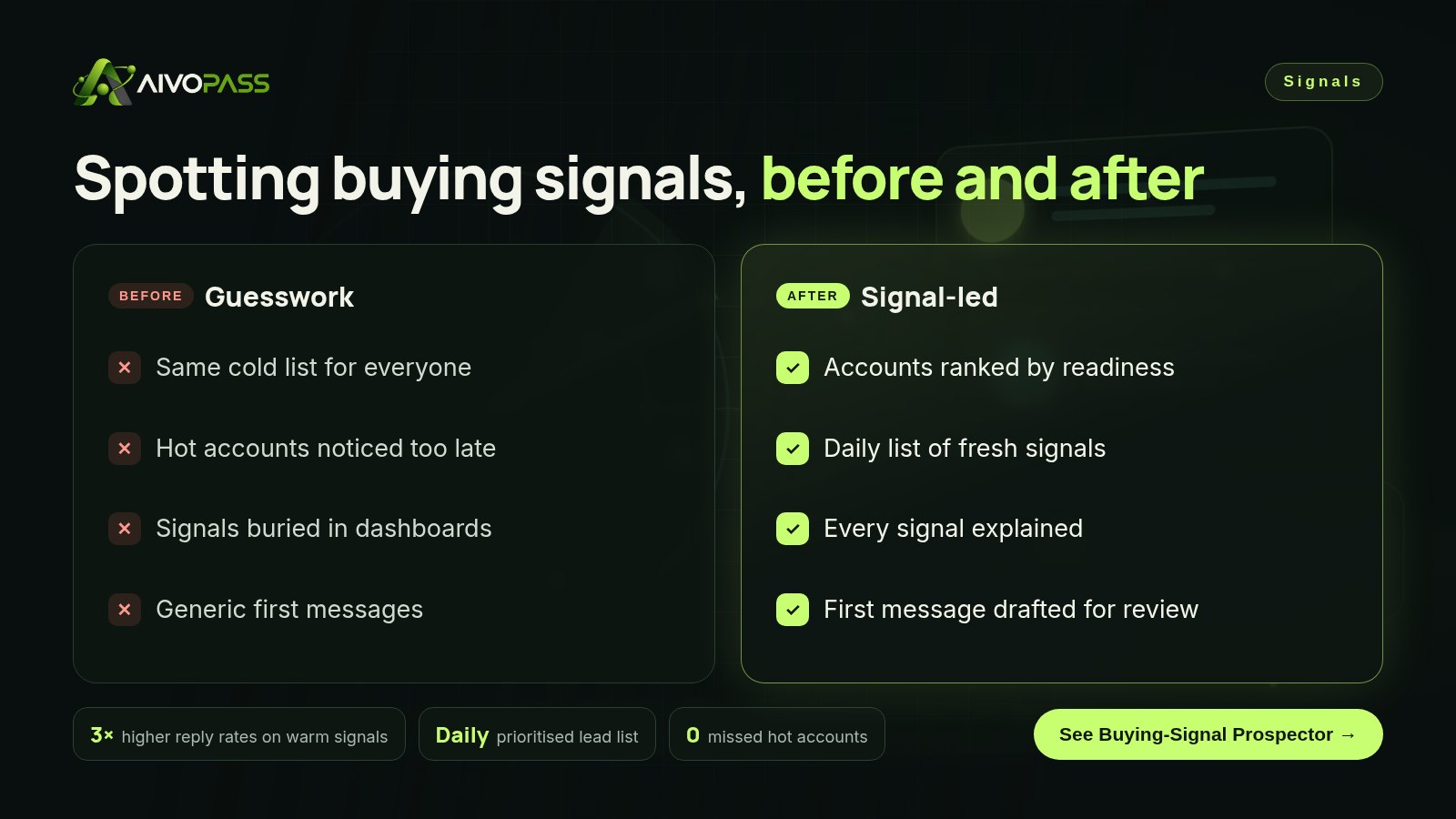
| Area | Without signal tracking | With Buying-Signal Prospector |
|---|---|---|
| Who to call today | Whoever is next on the list | A ranked list of ready accounts |
| Timing | Days or weeks late | Within a day of the signal |
| Context | Rep guesses | Each signal explained |
| First message | Generic template | Draft based on the real signal |
| Reply rates | Low on cold lists | Up to three times higher on warm signals, typical estimate |
Who it is for
SaaS growth teams
A product-led software company in Toronto had thousands of trial sign-ups and two account executives. A daily ranked list told them which handful of trials deserved a personal note that morning.
B2B service firms
An IT services firm in Winnipeg used CRM history to spot past clients becoming active again, and reached out while the need was fresh instead of months later.
Industrial sales teams
A packaging supplier in Calgary noticed rising order patterns from distributors and used them as a reason for a timely, helpful check-in rather than a cold call.
Results to expect
These figures are typical estimates, not guarantees. Results depend on your data quality, your market and how quickly your team follows up.
Mistakes to avoid with buying signals
- Pouncing on one click. A single page view is curiosity, not intent. Wait for patterns.
- Sounding like surveillance. Refer to the need, not the tracking: “teams like yours often…” works better than “I saw you visited…”.
- Ignoring existing customers. Expansion signals from current customers are often the warmest of all.
- Forgetting consent. In Canada, follow your consent rules for commercial messages.
- Not closing the loop. Record what happened after outreach so signal ranking keeps improving.
Safety and control
- Read-only access to the CRM and analytics you connect.
- Every message is a draft; you decide what is sent.
- Each recommendation shows the signals behind it.
- Runs on the schedule you choose.
- You can pause or revoke access at any time.
Buying-Signal Prospector vs alternatives
| Option | Uses your own data | Explains why | Effort for reps |
|---|---|---|---|
| Manual CRM review | Yes | Depends on the rep | High |
| Bought intent lists | No, third-party only | Rarely | Medium |
| Dashboard alerts | Partly | No | Medium, many false alarms |
| Buying-Signal Prospector | Yes, CRM and product data | Yes, every signal | Review and approve drafts |
How setup works
- Choose Buying-Signal Prospector and check out securely.
- Tell us your ideal customer and the signals that matter most in your business.
- We connect your CRM and product analytics and test the first ranked list with you.
- Go live: a daily list arrives with explanations and draft messages to approve.
Related agents
Research an account before the first call, check deals against evidence or write the follow-up after a meeting. Browse all sales AI agents or read more sales guides.
The bottom line
Buying signals are already in your data; the hard part is seeing them every day and acting before the moment passes. Use the examples above to decide what matters in your industry, then let Buying-Signal Prospector watch for them, rank the accounts and draft the first message for you to approve.
Get Buying-Signal Prospector Daily ranked list · Every signal explained · You approve outreach
Frequently asked questions
What are examples of buying signals?
Common examples include repeat visits to comparison or plan pages, a free trial reaching its usage limits, several people from one company signing up, a new leader joining a target account and a dormant customer suddenly becoming active again.
Which buying signals are strongest?
Signals that combine intent and timing are strongest: for example, several users from one account active in the same week, or a customer asking about features from a higher plan. A single page view is weak on its own.
Does Buying-Signal Prospector send messages by itself?
No. It drafts the first message and explains the signal behind it. You review, edit and decide whether to send.
What data does it need?
Your CRM and product analytics. It reads the data you connect and works on a schedule you choose, usually daily.
Does this work for Canadian B2B companies?
Yes. It is built for B2B sales and growth teams, and drafts can follow your consent and messaging rules, which matters under Canada’s anti-spam law.
See Buying-Signal Prospector in action.
Finds accounts and people in your CRM and product data who just showed buying intent, ranks them, explains every signal and drafts the first message. Runs on a schedule.
We are the people who set up, connect and support AivoPass agents for businesses across Canada and beyond. Every guide is written from real setup work, reviewed by our specialists and updated when an agent changes.
- ✓ Done-for-you setup
- ✓ You approve every important action
- ✓ Secure PayPal checkout
- ✓ Built for Canadian businesses


