
Customer Renewal Strategy: A 90-Day Plan to Keep Your Best Accounts
Most lost renewals were decided long before the renewal date. This 90-day customer renewal strategy helps you prove value early and keep your best accounts.
 AivoPass Editorial TeamReviewed by our agent setup specialists
Updated
Reading time4 min

A strong customer renewal strategy starts about 90 days before the renewal date: check account health, hold a value review backed by real data, confirm who decides, then propose the renewal and next steps. Business Review Deck Builder creates that value review as an editable, on-brand deck from your CRM, call history and usage data, never invents numbers and shares nothing without your approval.
Ask any account manager about a lost renewal and you will often hear: “We did not see it coming.” Yet when you look back, the signs were there months earlier: usage dropped, the main contact left, a support issue stayed open. A good customer renewal strategy catches those signs early and gives the customer clear proof of value long before the renewal date.
This guide gives you a 90-day renewal plan, the warning signs to watch and how to run a value review that changes the conversation. It also shows how Business Review Deck Builder builds that review deck from your CRM, call history and usage data, on your brand, without inventing a single number.
See Business Review Deck Builder Done-for-you setup · You approve every action
What is a customer renewal strategy?
A customer renewal strategy is a planned sequence of steps that protects recurring revenue from existing customers. It starts well before the renewal date, usually around 90 days, with a health check, a value review backed by real data, a map of who decides and a clear proposal. It turns renewals from a last-minute negotiation into a natural next step.
Early warning signals
- Usage or activity is falling.
- Your main contact or champion has left.
- Emails go unanswered for weeks.
- Support issues stay open or repeat.
- A new decision maker or budget owner appears.
- The customer asks for a cancellation policy or contract terms.
How Business Review Deck Builder works
- Pulls CRM, calls and usage data for the account.
- Builds an on-brand, editable presentation.
- Tells the value and ROI story per customer, using real figures only.
- Shares nothing without approval.
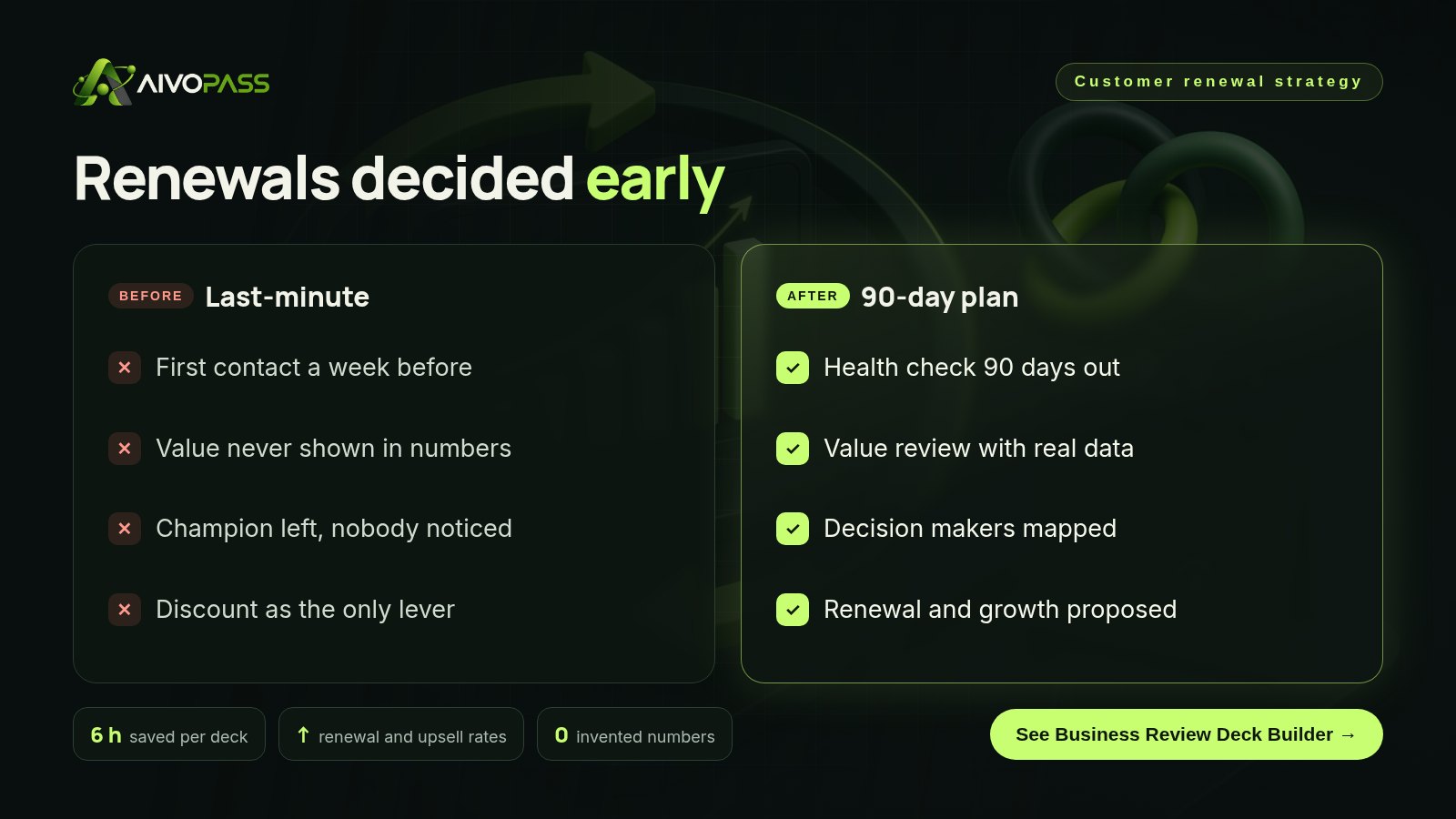
Before and after
| Moment | Last-minute renewal | With a 90-day plan and Business Review Deck Builder |
|---|---|---|
| 90 days out | No contact | Health check done |
| Proving value | A few anecdotes | Deck built from real usage and outcomes |
| Decision maker | Never met | Invited to the value review |
| Renewal talk | Discount request | Renewal and next goals agreed |
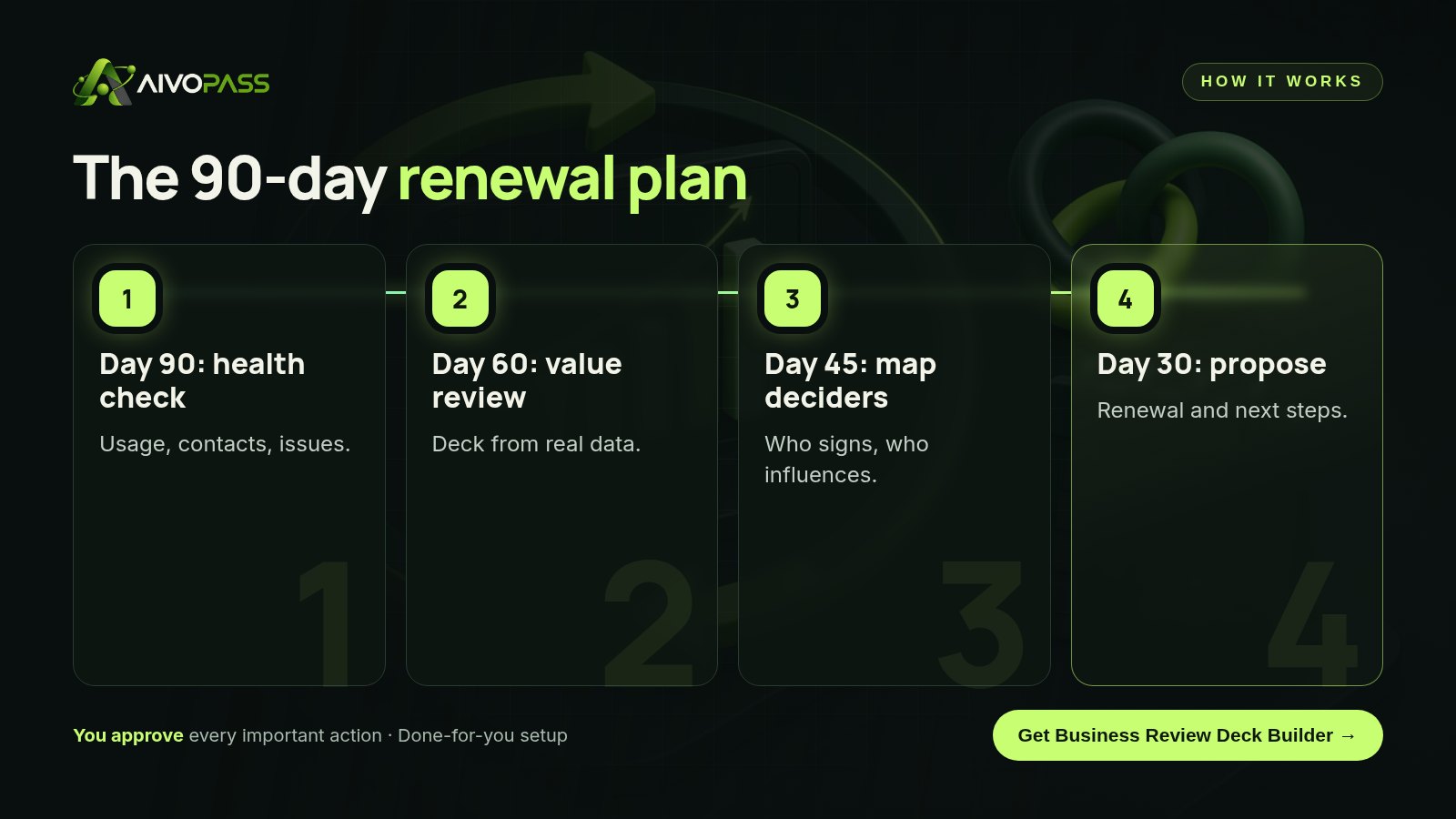
The 90-day renewal timeline
| Days before renewal | Step | Output |
|---|---|---|
| 90 | Health check | Usage trend, contacts, open issues |
| 75 | Fix what is broken | Support issues closed, gaps addressed |
| 60 | Value review meeting | Business review deck with real data |
| 45 | Map decision makers | Who signs, who influences, who uses |
| 30 | Renewal proposal | Renewal plus goals for next year |
| 0 | Decision | Signed renewal and kickoff of next phase |
What a value review deck should show
- Goals agreed at the start.
- What was delivered and used.
- Measured outcomes, in the customer’s own data.
- Open issues and how they are being fixed.
- Proposed goals for the next period.
Who it is for
Account managers
An account manager in Toronto handles forty accounts and cannot build a custom deck for each by hand.
Customer success teams
A customer success team in Vancouver wants every renewal backed by a consistent value review.
Managed service providers and agencies
A managed IT provider in Ottawa needs to show clients what was prevented and improved during the year.
Results to expect
These figures are typical estimates, not guarantees. Results depend on your customers, data quality and follow-through.
Example: a managed IT provider in Ottawa
A managed IT company in Ottawa serves about sixty small offices on annual agreements. Renewals were handled a few weeks before each date, and several clients left because they felt “nothing much happened” all year, when in fact the team had prevented many problems. They adopted a 90-day plan. Ninety days before each renewal, Business Review Deck Builder pulled tickets resolved, updates applied, uptime and call notes from their systems and built an editable deck in the company’s brand. Account managers checked every figure, added context and presented it at a value review with the office owner. The renewal conversation shifted from “Why are we paying for this?” to “What should we focus on next year?”
Mistakes to avoid
- Starting the renewal conversation in the final month.
- Showing activity instead of outcomes.
- Presenting only to the day-to-day user, not the decision maker.
- Offering a discount before showing value.
- Using estimated figures the customer cannot verify.
Safety and control
- Uses only your CRM, call notes and usage data.
- Never invents numbers; missing data is flagged.
- Produces an editable file you review first.
- Nothing is shared with customers without your approval.
Business Review Deck Builder vs alternatives
| Option | Time per account | Data accuracy | Consistency |
|---|---|---|---|
| Last-minute call | Low, but risky | Anecdotes | Low |
| Manual deck in a spreadsheet | Hours | Depends on copy and paste | Varies by person |
| Hiring another customer success manager | Good | Good | Management needed |
| Business Review Deck Builder | Reviewing a ready deck | Real data only | High, on-brand every time |
How setup works
- Choose Business Review Deck Builder and check out securely.
- Share your brand, deck structure and the data sources you use.
- We connect your CRM, call notes and usage data and build a first deck together.
- Go live: a value review ready for every renewal.
Related agents
Add a customer proof builder, an account research brief or a full-funnel sales agent. Browse all sales AI agents or read more sales guides.
The bottom line
Renewals are won in the months before the date, not the week of it. Watch the signals, review value with real data and involve the people who decide. Business Review Deck Builder does the heavy lifting on the deck, so every customer sees the value you delivered.
Get Business Review Deck Builder Real data · On-brand deck · Your approval
Frequently asked questions
What is a customer renewal strategy?
It is a planned set of steps, usually starting about 90 days before the renewal date, to check account health, prove the value delivered, involve the decision makers and propose the renewal.
When should I start the renewal conversation?
For annual contracts, around 90 days before the renewal date. That leaves time to fix problems and involve budget holders.
Why does a value review deck help renewals?
It shows the customer, in their own data, what changed since they started. Decision makers who were not involved day to day can see the value clearly.
Does the deck builder make up numbers?
No. Business Review Deck Builder uses only your CRM, call history and usage data and never invents numbers. Gaps are flagged for you.
Is anything sent to the customer automatically?
No. The deck is an editable file and nothing is shared without your approval.
See Business Review Deck Builder in action.
Builds an executive business review or value deck for any customer from your CRM, call history and usage data, on your brand, as an editable file. Never invents numbers.
We are the people who set up, connect and support AivoPass agents for businesses across Canada and beyond. Every guide is written from real setup work, reviewed by our specialists and updated when an agent changes.
- ✓ Done-for-you setup
- ✓ You approve every important action
- ✓ Secure PayPal checkout
- ✓ Built for Canadian businesses


