A Daily Briefing for Small Business Owners: Your Whole Day on One Page
Many owners start the day by opening the inbox and reacting. A one-page daily briefing shows today’s appointments, the messages that need you and key news before the doors open.
 AivoPass Editorial TeamReviewed by our agent setup specialists
Updated
Reading time4 min
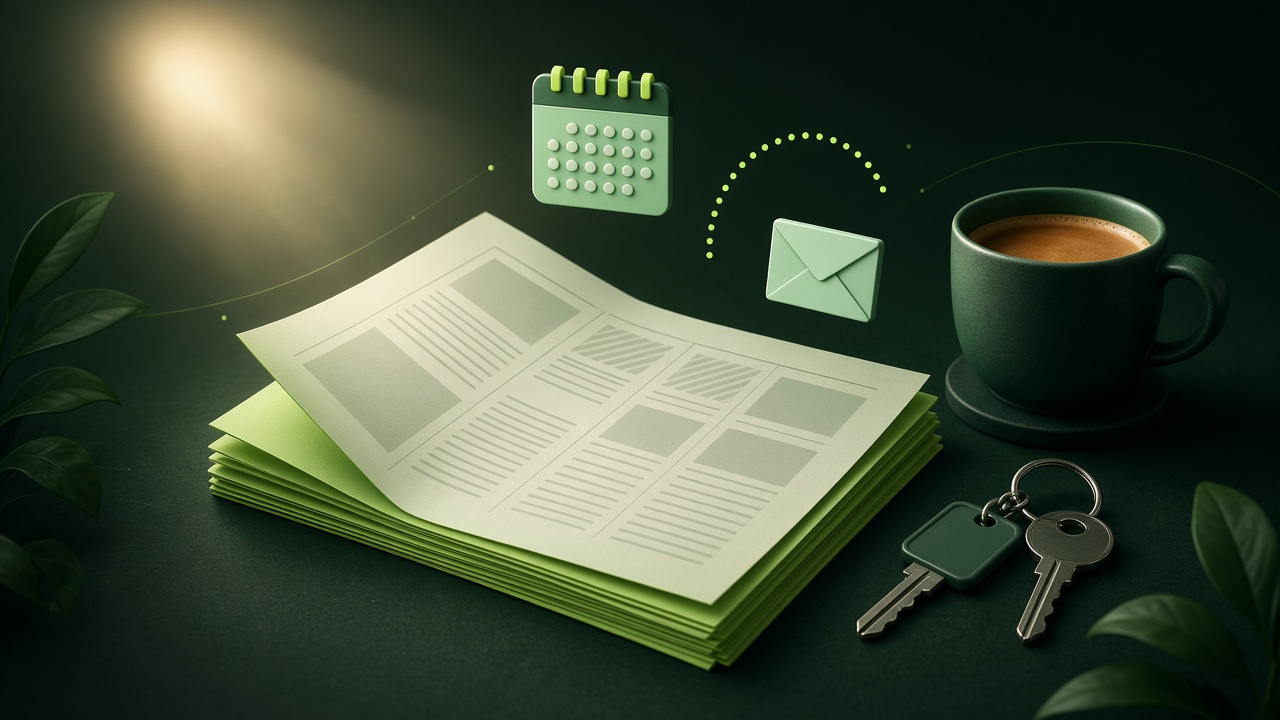
A daily briefing for small business owners is one page that shows today’s meetings and appointments, the few emails that need your attention and relevant news, prepared before the workday starts. Personal Morning Paper builds it automatically from your email and calendar, in a clean newspaper layout ready to print or read, saving about twenty minutes each morning.
For many owners, the workday starts the moment they pick up their phone: an inbox full of supplier notes, a reminder they forgot, a customer complaint and a dozen news alerts. By nine o’clock they are already reacting. A daily briefing for small business owners flips that around. One page shows today’s appointments, the messages that truly need you and the news that matters, before the doors open.
This guide explains what to put on that page, shows sample briefings for three kinds of businesses and explains how to use it in a team huddle. It also shows how Personal Morning Paper builds the page automatically from your email and calendar each morning.
See Personal Morning Paper Done-for-you setup · You approve every action
What is a daily briefing for small business owners?
It is a one-page summary of your day, prepared before you start work. It brings together your calendar, the few emails that need a decision and a short news section, in a calm layout you can read in five minutes. Instead of scanning many apps, you see your day once, decide your priorities and then open the inbox on purpose.
What belongs on the page
- Today’s schedule: appointments, deliveries, calls and staff shifts.
- The messages that need you: customer issues, supplier questions, approvals.
- Deadlines: invoices, filings, orders and promises due this week.
- Relevant news: local events, weather that affects business and industry headlines.
- One focus line: the single most important thing to get done today.
How Personal Morning Paper works
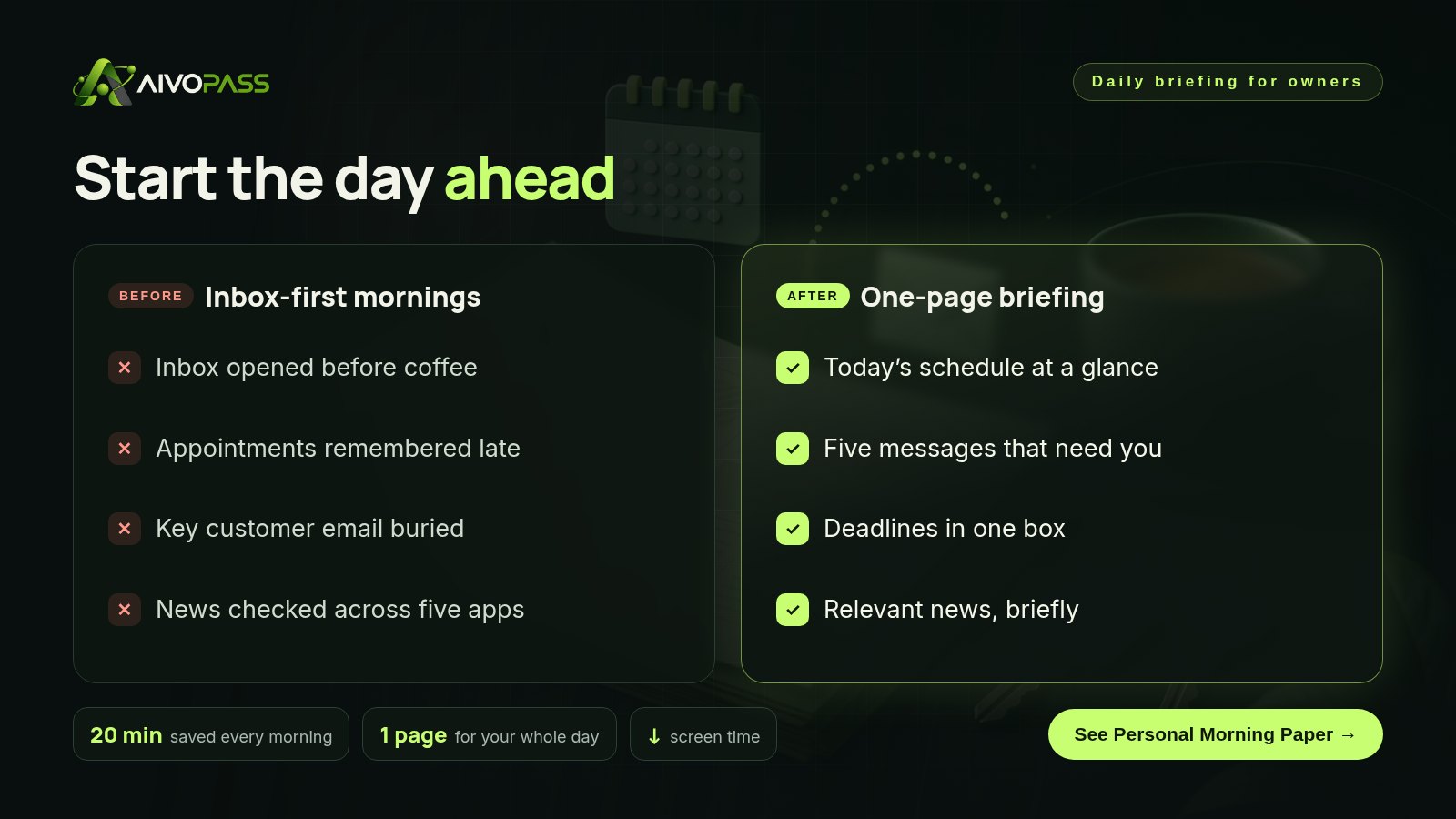
- Your calendar and key emails are pulled together overnight.
- Beautiful newspaper layout that is easy on the eyes.
- Ready to print or read on screen, whichever you prefer.
- Delivered every morning, before your day starts.
Before and after
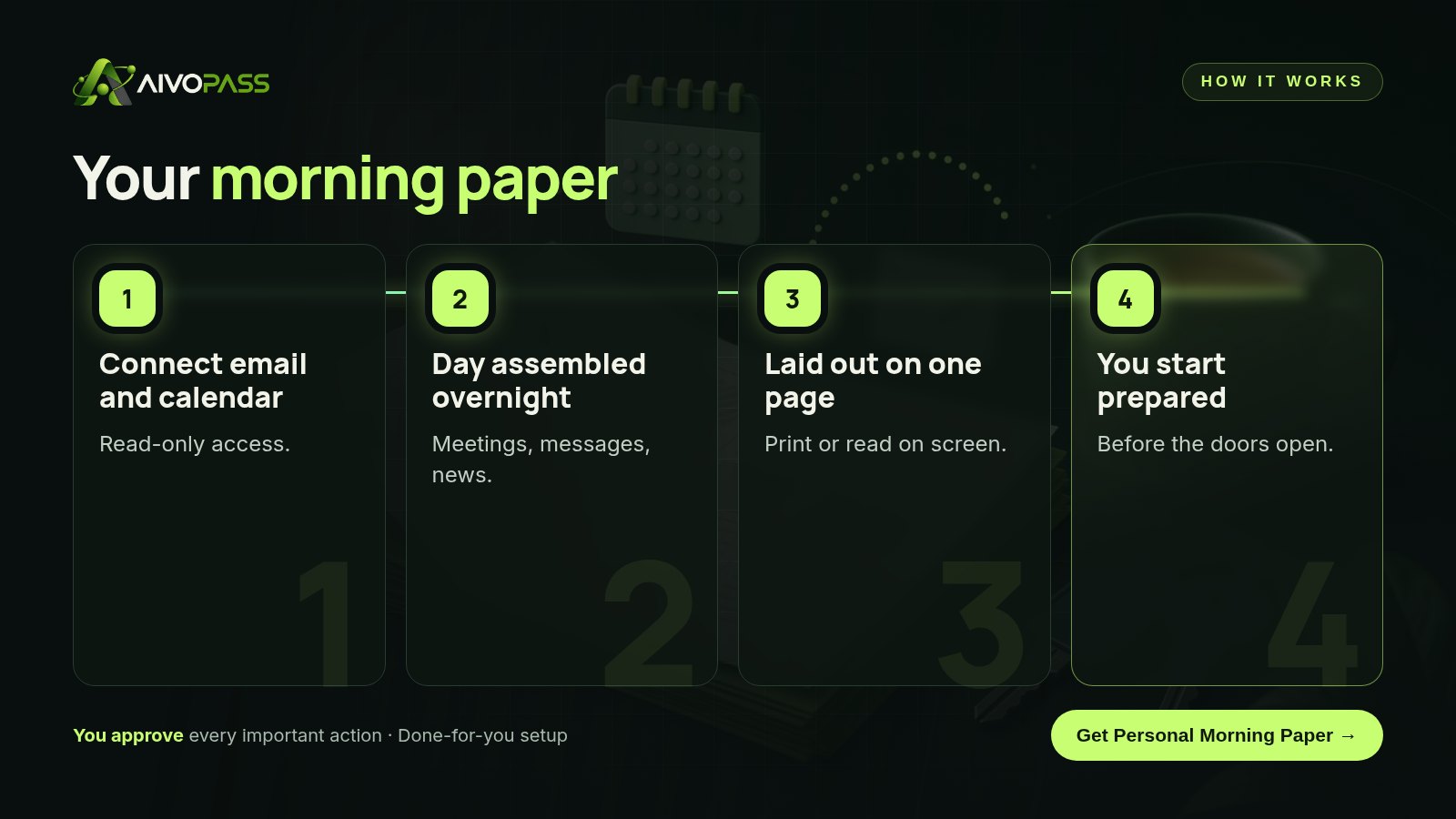
| Moment | Inbox-first morning | With Personal Morning Paper |
|---|---|---|
| 7:30 am | Scrolling email in bed | Reading one page with coffee |
| Important customer email | Buried under newsletters | Listed in “needs you” |
| Supplier delivery at 10 | Remembered when the truck arrives | On the schedule at the top |
| News | Five apps, many alerts | A short, relevant section |
Sample briefings by business type
Retail shop
A gift shop in Victoria sees staff shifts, two supplier deliveries, a customer asking about a special order and a note that a cruise ship arrives today.
Trades business
A plumbing company in Edmonton sees four job appointments in order, a quote approval waiting and a cold-weather warning that may bring emergency calls.
Clinic or studio
A physiotherapy clinic in Mississauga sees the day’s bookings, a cancellation to fill, an insurance question from a patient and an industry news item.
Results to expect
These figures are typical estimates, not guarantees. Results depend on your email volume, calendar and routine.
Use it in a five-minute team huddle
- Print the page or share the schedule section on a tablet.
- Walk through today’s appointments and who covers what.
- Assign any customer messages that someone else can handle.
- Mention one piece of news that affects the day, such as weather or a local event.
- Finish with the focus line for the day.
Example: a Saskatoon bakery
Lena owns a bakery in Saskatoon and used to check email at 5 am while the ovens warmed up. She often missed catering requests buried among supplier newsletters. With Personal Morning Paper, a one-page briefing is ready when she arrives. It lists the day’s catering pickups, two emails that need her answer and a note about a weekend farmers’ market. She prints it, sticks it by the counter and shares the pickup times with her staff in a two-minute huddle. She now opens the inbox once, after the morning rush.
Mistakes to avoid
- Putting every email on the page instead of the few that need you.
- Adding so many news topics that the page becomes another feed.
- Reading the briefing and then opening the inbox anyway before the rush.
- Forgetting to update the news topics when your season or priorities change.
Safety and control
- Read-only access to your email and calendar.
- Never sends, deletes or changes messages or events.
- You choose which topics and sources appear in the news section.
- Access can be removed at any time.
Personal Morning Paper vs alternatives
| Option | Everything in one view | Calm to read | Effort |
|---|---|---|---|
| Inbox-first mornings | No | No | Constant |
| Calendar app only | Schedule only | Somewhat | Low |
| Assistant preparing a summary | Yes | Yes | Someone’s time every day |
| Personal Morning Paper | Yes | Yes, newspaper layout | None after setup |
How setup works
- Choose Personal Morning Paper and check out securely.
- Tell us your delivery time and the news topics you care about.
- We connect read-only email and calendar access and test a first page.
- Go live: your paper arrives every morning.
Related agents
Get a full executive assistant, keep the family schedule running or follow your industry on social media in five minutes. Browse all personal AI agents or read more personal productivity guides.
The bottom line
The first ten minutes of your day shape the rest of it. A one-page daily briefing lets you start prepared instead of reactive. Personal Morning Paper builds it for you, every morning.
Get Personal Morning Paper One page · Read-only · Delivered every morning
Frequently asked questions
What should a daily briefing for small business owners include?
Today’s appointments and meetings, the handful of emails that need your decision, upcoming deadlines and a short section of relevant local or industry news.
Does Personal Morning Paper reply to emails?
No. It reads your email and calendar to prepare the page. It never sends, deletes or changes anything.
Can I print it?
Yes. The briefing is laid out like a one-page newspaper, ready to print or read on any screen.
Can my team use it?
Many owners print the page for a short morning huddle. You decide what to share; private messages stay on your copy.
How long does setup take?
Usually one short session to connect read-only email and calendar access and choose your news topics. The first paper arrives the next morning.
See Personal Morning Paper in action.
Creates a personal newspaper from your email and calendar — today’s meetings, important messages and news — laid out nicely and ready to print or read each morning.
We are the people who set up, connect and support AivoPass agents for businesses across Canada and beyond. Every guide is written from real setup work, reviewed by our specialists and updated when an agent changes.
- ✓ Done-for-you setup
- ✓ You approve every important action
- ✓ Secure PayPal checkout
- ✓ Built for Canadian businesses